
ODN & accessories · copper
Copper Cabling & Accessories
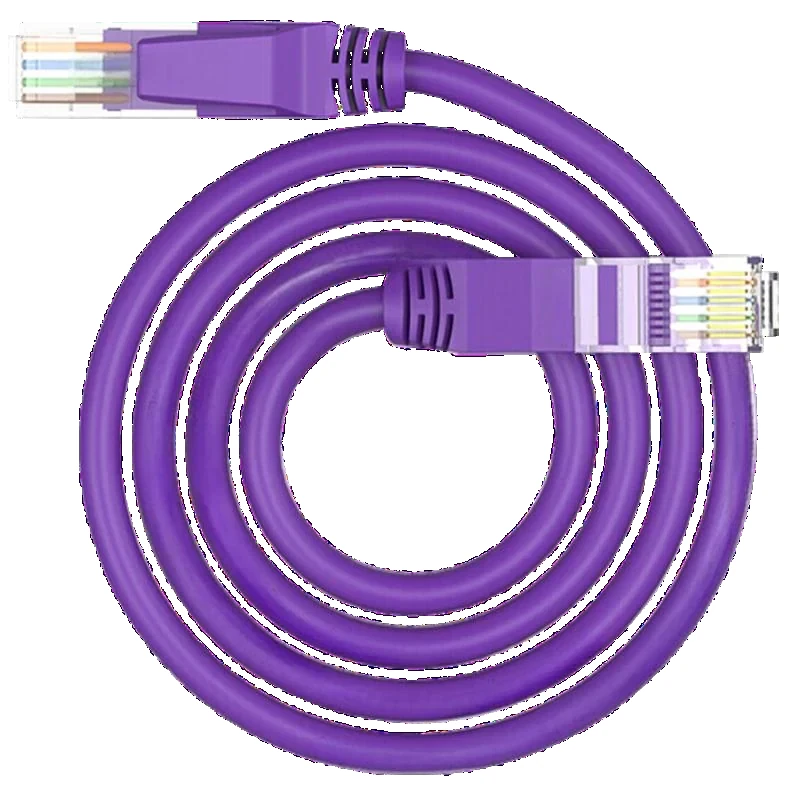
Copper cabling for the PoE edge: Cat5e/Cat6 patch panels, keystone jacks, faceplates, cable reels and patch cords. The copper plant is part of the PoE budget and the 100 m channel, not a separate afterthought.
Updated October 24, 2026
- Category
- Cat5e / Cat6
- Panel
- 12 / 24 / 48 ports
- Reel
- 305 m
- Channel
- 100 m
The short answer
What this product is specified for.
Included in the quotation
- Port count, connector polish and power configuration
- Model-level datasheet and test data
- Optical budget and splitter plan for the ODN
- Export packing, HS code and Incoterm
The copper plant is where PoE lives. Cameras, APs, access-control readers and desk phones connect over Cat5e or Cat6; the cable, patch panel, keystone and patch cords all count inside the 100 m channel. A good switch cannot fix a bad copper link, and a 30 W PoE port cannot deliver 30 W through a thin, long, warm cable.
The range covers Cat5e and Cat6 cable reels (305 m), 12/24/48-port patch panels, keystone jacks, faceplates and copper patch cords. The cable category and the conductor gauge decide the bandwidth and the voltage drop; the panel and jacks must match the category. For PoE, a 23 AWG cable is preferable to 24 AWG on long runs, and CCA (copper-clad aluminium) should be avoided.
Plan the copper and the fibre together. The fibre backbone goes between buildings and cabinets; the copper goes from the cabinet to the endpoint. Keep the copper run under 100 m, leave 20–30% spare ports, and label both ends. If the endpoint is beyond 100 m or has no mains, the design moves to PoF or a local switch, not a longer copper run.
Configuration table
The numbers that decide the fit.
Values are from the model datasheet. Where a value is model-dependent, the table says so instead of guessing.
| Type | Category | Ports / length | Typical use |
|---|---|---|---|
| Patch panel | Cat5e / Cat6 | 12 / 24 / 48 ports | Cabinet termination |
| Keystone jack | Cat5e / Cat6 | 1 port | Wall outlet |
| Faceplate | 1 / 2 / 4 port | — | Room / wall |
| Cable reel | Cat5e / Cat6, UTP/FTP | 305 m | Site cabling |
| Copper patch cord | Cat5e / Cat6 | 1 / 2 / 3 m | Panel to switch |
Category, conductor gauge, shielding and jacket rating are model-specific. Confirm the cable and connectors as one channel.
Engineering features
What changes on site.
Cat5e / Cat6
Category and conductor gauge decide the bandwidth and the PoE voltage drop; keep the channel within 100 m.
Patch panels
12/24/48-port panels for the cabinet; label the ports and keep the slack tidy.
Keystone and faceplate
Match the jack category to the cable; a Cat5e jack on Cat6 cable breaks the channel rating.
PoE voltage drop
Use 23 AWG where possible and avoid CCA; the camera sees the voltage after the copper loss.
Test the channel
Certify the link after termination; a bad pair can pass data and fail PoE.
Label both ends
The port-to-device map is part of the handover; a 24-port fault is usually a cable, not a configuration.
Selection guide
Which configuration fits which site.
Start from the site, not from the model. The table is a starting point; the final check is the optical and power budget.
| Run | Recommended | Note |
|---|---|---|
| Camera / AP under 100 m | Cat6 UTP, 23 AWG | Check the PoE budget and voltage drop |
| High-interference site | Cat6 FTP | Bond the shield at one end |
| Cabinet termination | 24-port Cat6 panel | Leave spare ports |
| Room outlet | Cat6 keystone + faceplate | Match the cable category |
Do not use CCA for PoE; the resistance is higher and the failure mode is worse.
Related equipment
Complete the chain.
The product is quoted as part of a chain. These are the parts that usually travel with it.
ODN & accessories · fiber cords
Patch Cords, Pigtails & Adapters
SC/LC, UPC/APC, simplex and duplex.
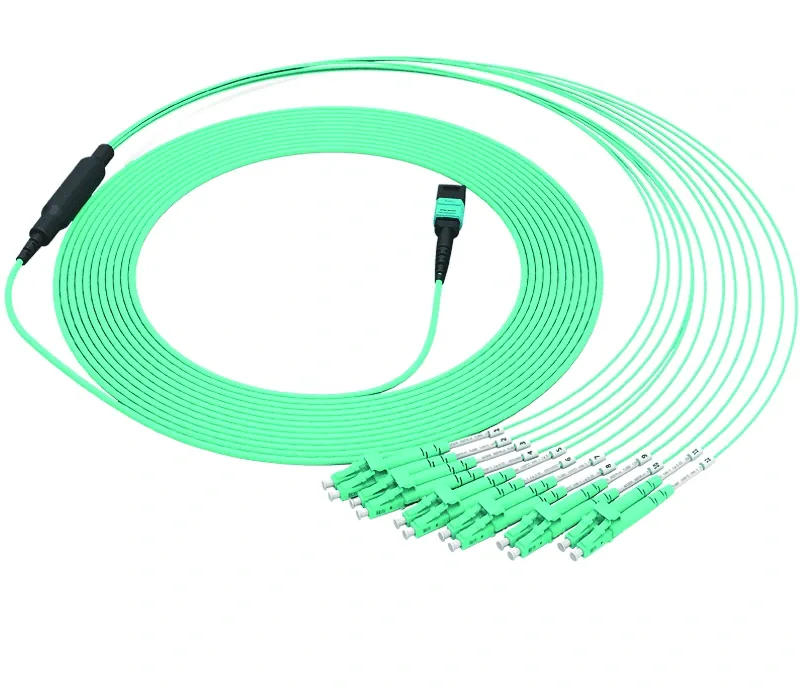
Fiber patch cords, pigtails and adapters for OLT/ODF/ONU links: SC/LC, UPC/APC, simplex/duplex, G.657A2/G.652D, 1–3 m standard lengths, with insertion loss and return loss test data. MPO breakout and copper patch cords are available.
- Connector
- SC / LC
- Polish
- UPC / APC
- Fiber
- G.657A2 / G.652D
- Length
- 1 / 2 / 3 m
Best for FTTH Access Network · Campus Fibre Network · CCTV & Surveillance Power
View specifications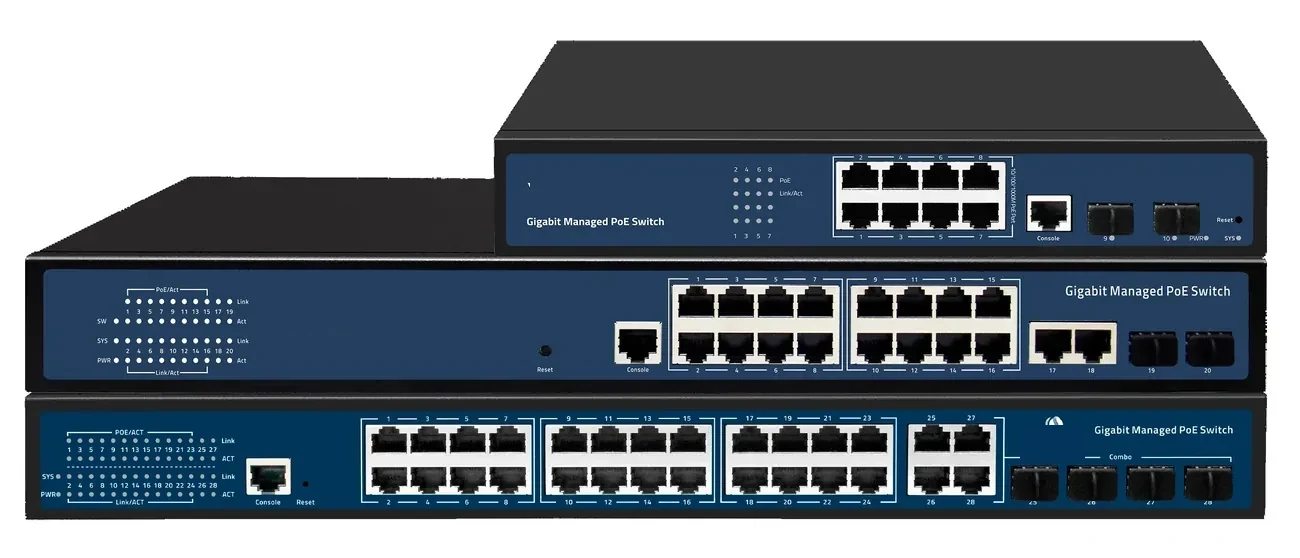
PoE switching · managed & unmanaged
PoE Switches
8 to 48 PoE ports, with 10G and 100G uplinks.
PoE switch families from compact 4–8 port units to 48-port Layer 3 switches with 100G uplinks. IEEE 802.3af/at power, VLAN and IGMP isolation, and a 100 m copper limit that decides where the fibre has to take over.
- Ports
- 4 – 48 × GE PoE
- Uplinks
- GE / 10G / 100G
- Power
- 802.3af / at
- Distance
- 100 m copper
Best for CCTV & Surveillance Power · Parking Lot Camera System · Perimeter Security Power
View specifications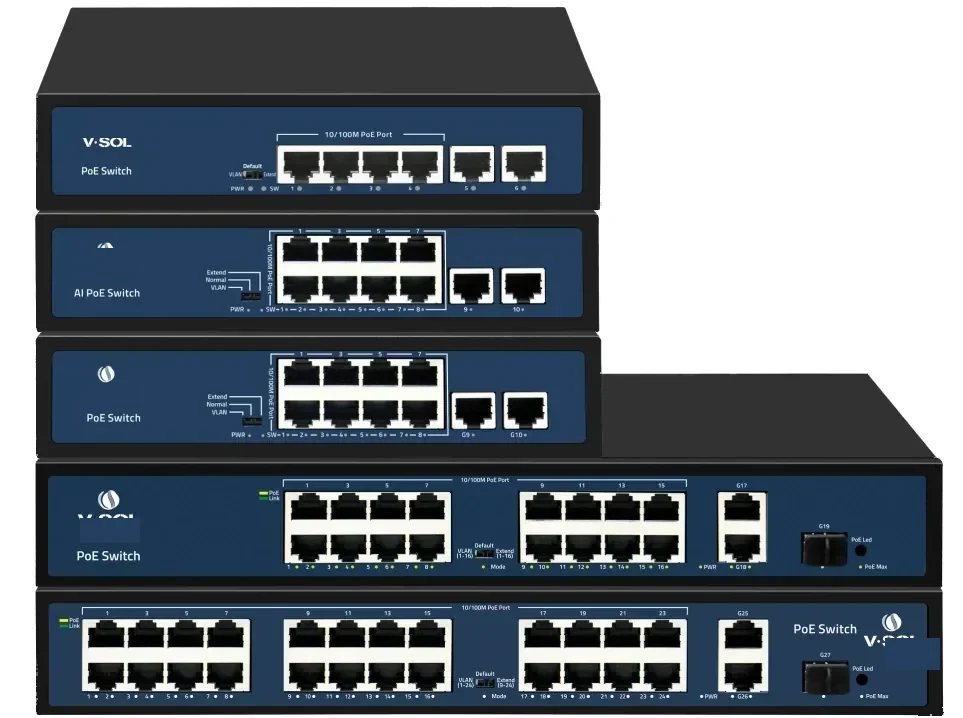
PoE switching · 24 port
24-Port PoE Switch
24 PoE ports and four 10G uplinks in 1U.
A 1U Layer 2/Layer 3 PoE switch with 24 GE PoE access ports and four 10GE/GE SFP+ uplinks. It is the standard choice for a CCTV floor, a wireless floor or a building distribution cabinet.
- Access ports
- 24 × GE PoE
- Uplinks
- 4 × 10GE SFP+
- Management
- L2 / L3
- Form factor
- 1U rack
Best for CCTV & Surveillance Power · Campus Fibre Network · Outdoor Wireless Coverage
View specifications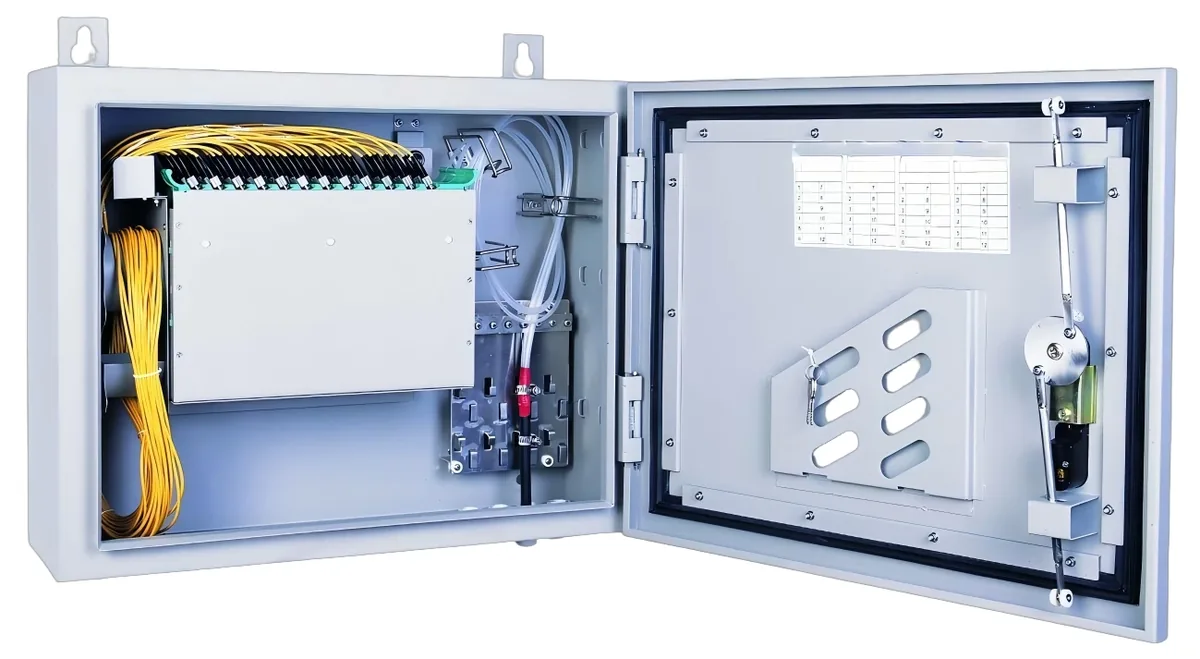
ODN & accessories · enclosures
ODF & Fiber Enclosures
Rack ODF, wall boxes and splice closures.
Passive enclosures for the ODN: 1U rack ODFs, wall-mount distribution boxes, splice closures and terminal boxes, with SC/UPC or SC/APC adapters and 4–96 port options. The enclosure format follows the installation point.
- Formats
- 1U / wall / closure
- Ports
- 4 – 96
- Adapter
- SC/UPC / SC/APC
- Mount
- Rack / wall / pole
Best for FTTH Access Network · Campus Fibre Network · Industrial & Tunnel Network
View specificationsProduct FAQ
Copper Cabling & Accessories: questions before the order.
If your question is not here, send the site details and we will answer with the calculation, not a brochure.
Ask an engineerCat5e or Cat6?
Cat6 gives more bandwidth and usually better crosstalk performance; Cat5e is adequate for 1G and most PoE. For new runs, Cat6 is the safer default.
Does Cat6 run farther than Cat5e?
No for Ethernet. Both use a 100 m channel. Cat6 supports 10GBASE-T to 55 m in many cases; Cat6a supports 100 m.
Can I use CCA cable for PoE?
No. Copper-clad aluminium has higher resistance and a worse failure mode. Use solid copper for PoE.
What is the maximum PoE run?
100 m channel including patch cords. Beyond that, use a PoE extender, a fibre link with a local switch, or PoF.
Do I need shielded cable?
Only where EMI is a real problem. Shielded cable must be bonded correctly; an unbonded shield can make the noise worse.
Do you supply the patch panels and jacks?
Yes. Panels, keystones, faceplates, reels and patch cords are quoted with the PoE switches so the channel and category match.
Next step
Need a Copper Cabling & Accessories configuration checked?
Send the endpoint count, the longest run, the power condition and the destination. We reply with the configuration, the optical/power budget and the quotation assumptions.
No obligation. The plan states its assumptions so your engineer can check it.