
Application · parking
Parking Lot Camera System
Parking lots combine long runs, poles without mains and high camera counts. This design uses a fibre backbone, PoE switches at the lot cabinets and PoF drops for isolated poles, with a clear rule for when each path applies.
Updated October 24, 2026
- Copper limit
- 100 m
- PoF limit
- 200 m
- PoF power
- 12 W / port
- PON reach
- 20 km
The engineering problem
Why the obvious answer fails.
The endpoint is small; the distance, the power and the environment are not. Three paragraphs explain where the design usually breaks.
A parking lot is a distance problem with a power problem on top. The entrance, the exit, the perimeter and the far rows are 100–400 m from the building. Trenching a mains duct to every pole is expensive and slow; a copper Ethernet run from the building is limited to 100 m and brings a surge path to every pole.
Camera load varies widely. A fixed bullet at the entrance is 6–10 W; a PTZ at the exit with a heater is 25–40 W; a license-plate camera may need a illuminator. The lot also needs wireless coverage for payment terminals and staff, which adds APs at 10–15 W each.
The practical design is a hybrid: a fibre backbone from the building to two or three lot cabinets, a local PoE switch in each cabinet, and PoF drops only to the poles that have no local power. That keeps the copper runs short and the PoF load within 12 W per port.
Path comparison
Four paths, one decision.
The correct path is the one that matches the endpoint power, the distance and the presence of mains. Do not compare only on cable price.
| Path | Reach | Power at the endpoint | Mains at endpoint | Best for | Limits |
|---|---|---|---|---|---|
| Copper PoE | 100 m channel | 15.4 / 30 W at the source (af / at) | Required for the switch | Devices within 100 m of a powered cabinet | Cable loss, surge path, no reach beyond 100 m |
| PoE extender | 200 – 500 m with hops | Reduced at each hop | Required at every extender | Retrofit where a mid-point has power | Another powered box outdoors; still copper |
| Power over Fiber | Up to 200 m per port | Up to 12 W per port | Not required | Ceiling APs, pole cameras, readers, sensors | 12 W per port, hybrid cable, 200 m limit |
| Fibre + local PoE switch | 20 km PON backhaul | Local switch budget | Required at the local cabinet | Cabinets, buildings, dense clusters | Needs a powered cabinet and a switch |
The correct path is the one that matches the endpoint power, the distance and the presence of mains. Do not compare only on cable price.
Design approach
How we lay it out.
Divide the lot into power zones
Draw the lot, mark the building, the proposed cabinet points and the poles. A zone is defined by the distance from a cabinet and the presence of mains, not by the parking row.
Backbone on fibre, distribution on PoE
Run fibre from the building to each cabinet; use a 24-port PoE switch for the cameras and APs within 100 m. This is the lowest-cost path for clusters.
PoF only for the isolated poles
Use a PoF splitter and hybrid cable for the one or two poles beyond 100 m with no mains. Keep each camera under 12 W; for a PTZ, bring a local feed or use a cabinet.
Bill of materials
A starting BOM.
Quantities follow the endpoint count and the number of cabinets. Adjust after the site survey.
| Item | Specification | Quantity basis |
|---|---|---|
| OLT / fibre backbone | GPON or EPON, 20 km reach | 1 per site |
| Lot cabinet switch | 24-port PoE, 4×10G uplink | 1 per 20–24 devices |
| PoE switch | 8-port for a small cluster | 1 per 4–8 devices |
| PoF splitter | 1×9, 12 W per port | 1 per 8 isolated poles |
| Hybrid PoF cable | 20/50 m, G.657A2 | 1 per pole + spare |
| Surge protection | SPD at each cabinet and pole | Per local code |
For a 40-camera lot, two 24-port cabinets plus one PoF group is a typical starting point. Confirm the load and distance.
Numbers to check
The design rules.
| Design rule | Value to confirm |
|---|---|
| Copper PoE | 100 m |
| PoF | 200 m, 12 W per port |
| PON backhaul | 20 km |
| Fixed camera | 6 – 10 W |
| PTZ / heater | 25 – 40 W |
| Cabinet spacing | Keep PoE runs under 80 m for margin |
Recommended equipment
What this design usually uses.
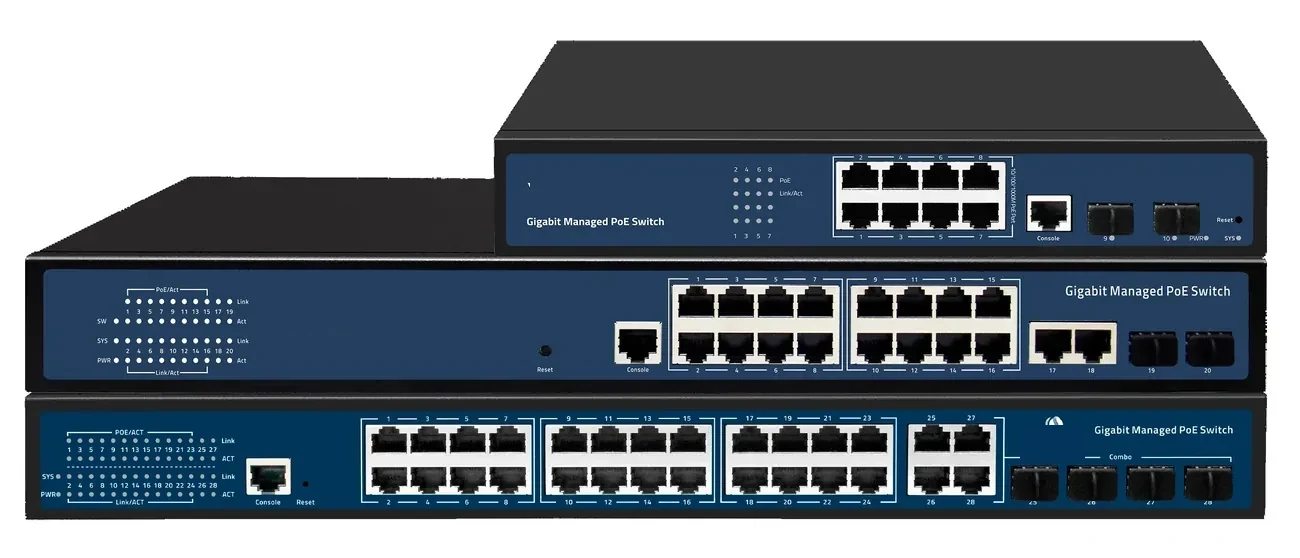
PoE switching · managed & unmanaged
PoE Switches
8 to 48 PoE ports, with 10G and 100G uplinks.
PoE switch families from compact 4–8 port units to 48-port Layer 3 switches with 100G uplinks. IEEE 802.3af/at power, VLAN and IGMP isolation, and a 100 m copper limit that decides where the fibre has to take over.
- Ports
- 4 – 48 × GE PoE
- Uplinks
- GE / 10G / 100G
- Power
- 802.3af / at
- Distance
- 100 m copper
Best for CCTV & Surveillance Power · Parking Lot Camera System · Perimeter Security Power
View specifications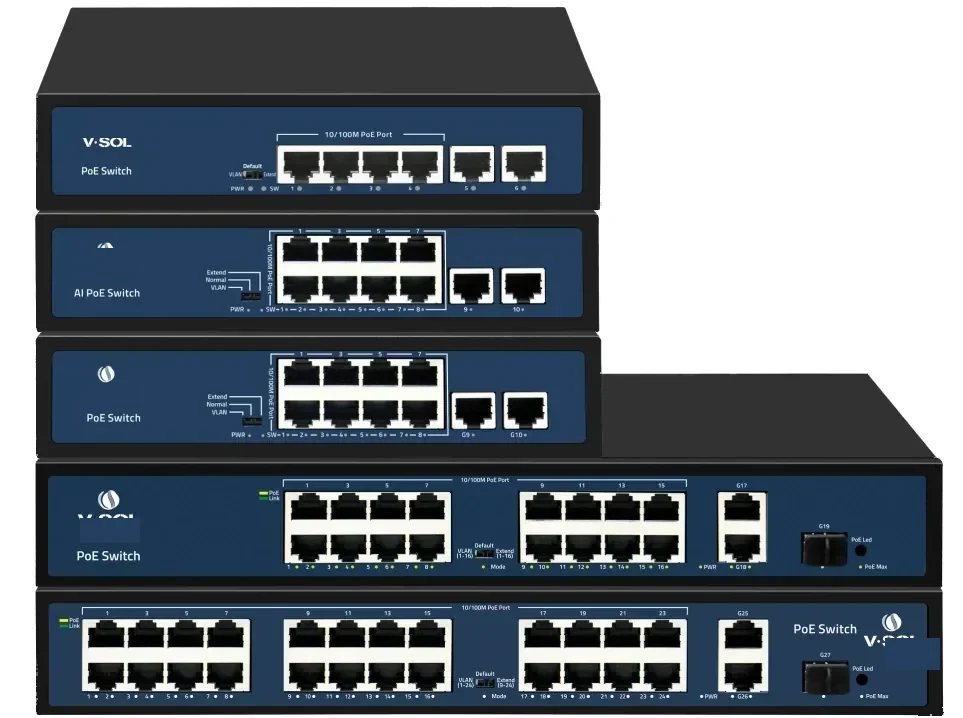
PoE switching · 24 port
24-Port PoE Switch
24 PoE ports and four 10G uplinks in 1U.
A 1U Layer 2/Layer 3 PoE switch with 24 GE PoE access ports and four 10GE/GE SFP+ uplinks. It is the standard choice for a CCTV floor, a wireless floor or a building distribution cabinet.
- Access ports
- 24 × GE PoE
- Uplinks
- 4 × 10GE SFP+
- Management
- L2 / L3
- Form factor
- 1U rack
Best for CCTV & Surveillance Power · Campus Fibre Network · Outdoor Wireless Coverage
View specifications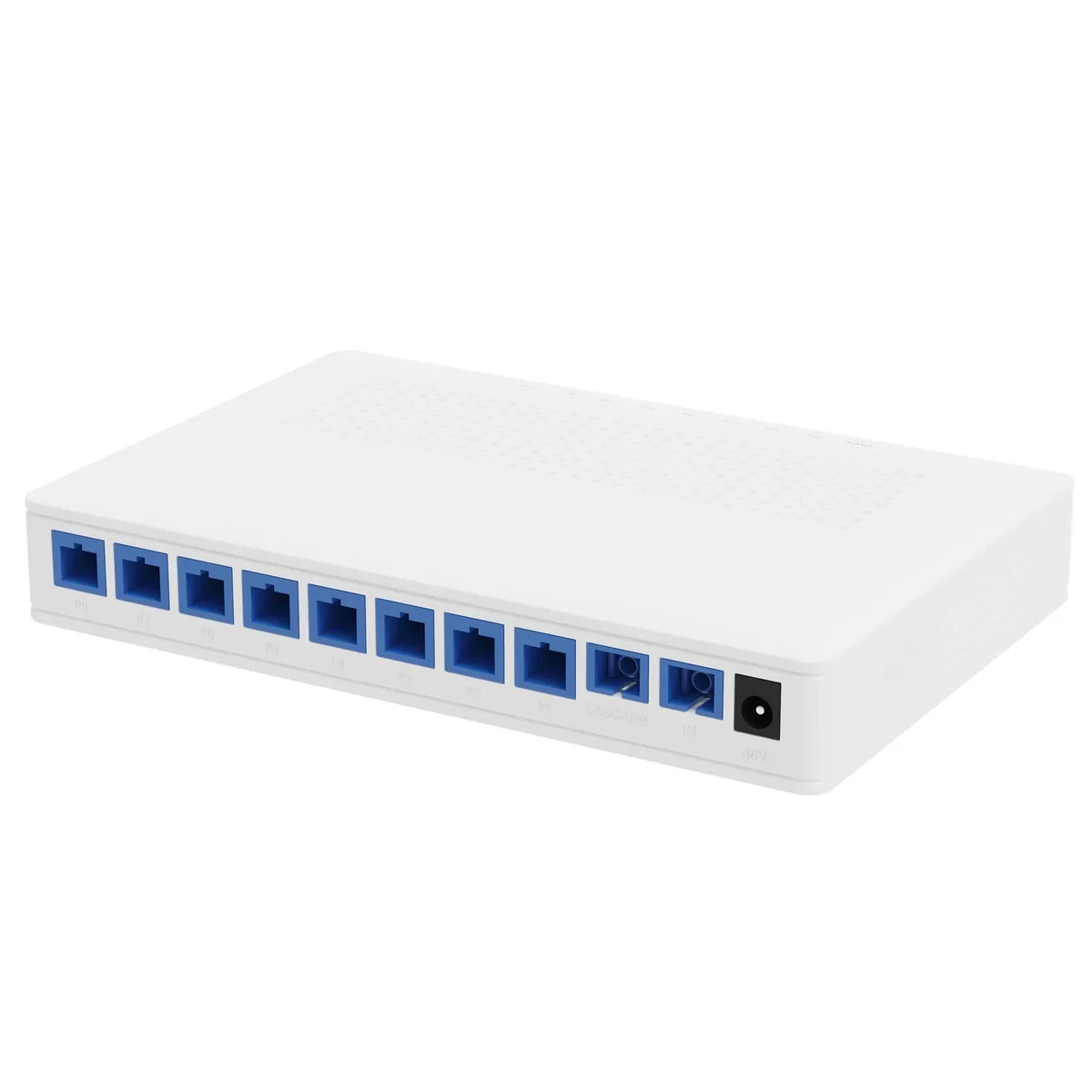
Power over Fiber · access
PoF Switch & PoF ONU
One hybrid cable to the ceiling: data and 12 W.
A Power-over-Fiber access set: an optical gateway, an 8-output PoF power splitter, hybrid PoF cable and a ceiling Wi-Fi 6 ONU. Each output delivers up to 12 W to 200 m, so ceiling APs and cameras run without a local mains socket.
- Power per port
- Up to 12 W
- Reach
- Up to 200 m
- Outputs
- 8 + 1 cascade
- Wi-Fi
- Wi-Fi 6 AX3000
Best for Outdoor Wireless Coverage · Campus Fibre Network · Parking Lot Camera System
View specifications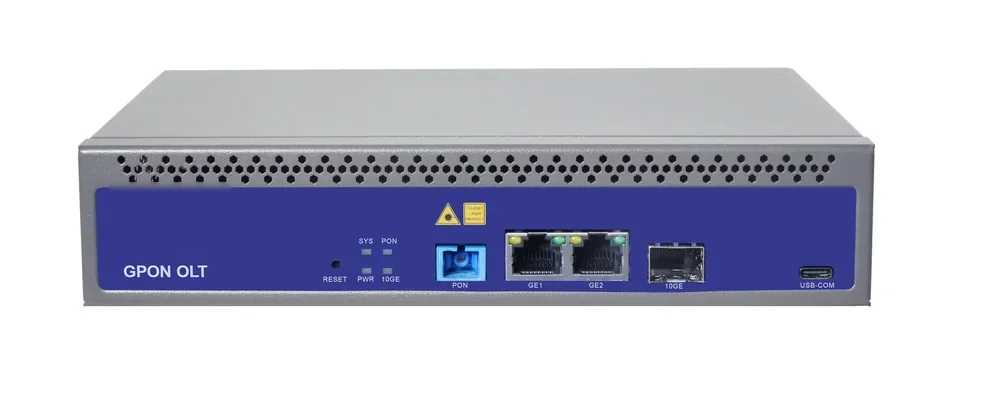
PON access · OLT
GPON OLT
From a 1-PON gateway to a 112-PON headend.
GPON OLT platforms for FTTH, campus and hotel access: 2.5 Gbps downstream and 1.25 Gbps upstream, 1:64 split per PON port and 20 km reach on Class B+ optics. Configurations run from a compact 1-PON gateway with built-in AC to a chassis with up to 112 PON ports.
- Line rate
- 2.5 Gbps ↓ / 1.25 Gbps ↑
- Max split
- 1:64 per PON port
- Reach
- 20 km, Class B+
- PON ports
- 1 – 112
Best for FTTH Access Network · Campus Fibre Network · Outdoor Wireless Coverage
View specificationsApplication FAQ
Parking Lot Camera System: site questions.
If your question is not here, send the site details and we will answer with the calculation, not a brochure.
Ask an engineerHow do I power a camera at the far end of a parking lot?
If it is within 200 m and under 12 W, PoF over hybrid cable. If it is farther or higher-load, run fibre to a local cabinet with a PoE switch, or bring mains to the pole.
Can one PoF splitter cover a parking row?
It can feed eight poles within 200 m of the splitter, at up to 12 W each. The splitter itself must be in a powered cabinet; the saving is the absence of a mains drop at each pole.
What about license-plate cameras?
Check the illuminator and heater load. Many LPR cameras exceed 12 W at night; use a local PoE switch or a higher-power feed rather than pushing the PoF port to its limit.
Do I need fibre to every cabinet?
Yes for runs beyond 100 m or between buildings. A copper uplink from the building to a lot cabinet is a surge path and a distance limit; fibre is the standard choice.
How many cameras per 24-port switch?
Up to 24 electrically, but plan for 20–22 to leave ports for APs and spares, and check the PoE budget against the camera load.
Can the same fibre carry the payment network?
Yes, with VLAN separation. Keep payment, CCTV and guest Wi-Fi on separate VLANs and apply QoS so a camera firmware update does not starve the payment terminal.
Next step
Planning Parking Lot Camera System?
Send the device list, the longest run, the mains condition and the country. We return the path, the BOM and the budget assumptions.
No obligation. The plan states its assumptions so your engineer can check it.