
Surveillance · storage
NVR & Surveillance Storage
NVR and surveillance storage options for CCTV projects: 8–64 channel recording, PoE or non-PoE, HDD bays, RAID options and ONVIF compatibility. The channel count and storage are quoted with the camera schedule.
Updated October 24, 2026
- Channels
- 8 – 64
- HDD bays
- 2 / 4 / 8
- Network
- 1–2 GE
- Protocol
- ONVIF
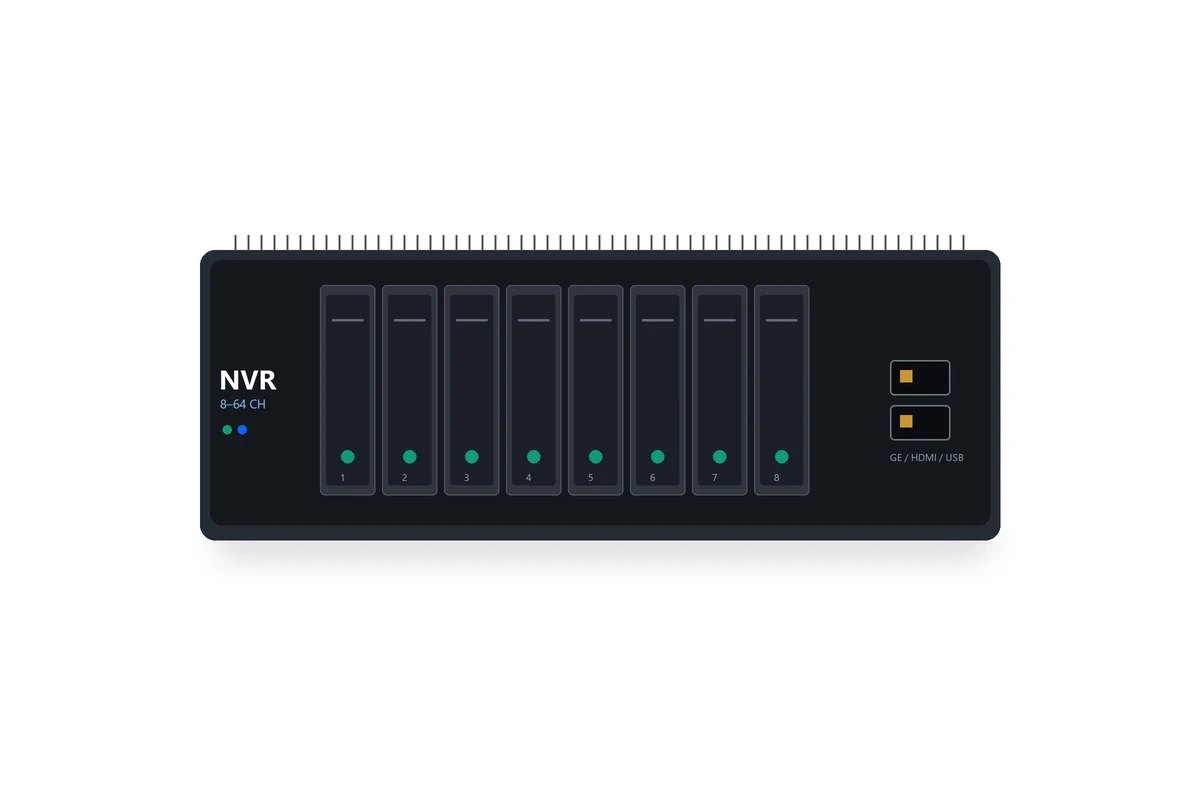
Configuration illustration; the supplied NVR model, channel count and drive configuration are confirmed on the quotation.
The short answer
What this product is specified for.
Included in the quotation
- Port count, connector polish and power configuration
- Model-level datasheet and test data
- Optical budget and splitter plan for the ODN
- Export packing, HS code and Incoterm
The NVR is where the camera streams land. The channel count, the recording resolution, the retention period and the HDD capacity must be sized together; a 64-channel NVR with two drives will not retain 30 days of 4K video. The camera schedule, not the NVR headline, decides the storage.
The range covers 8/16/32/64-channel NVRs, PoE and non-PoE models, 2/4/8 HDD bays and RAID options for critical sites. ONVIF compatibility lets the NVR take streams from different camera brands; the PoE model can power the cameras directly within the 100 m copper limit. For a larger site, the NVR sits on the CCTV VLAN and records from the PoE switches.
Storage is a BOM line, not a guess. Estimate the bitrate per camera, multiply by the number of cameras, the recording hours and the retention days, then add 20% headroom. A 4 TB drive is not enough for 32 cameras at 4 Mbps for 30 days; the arithmetic decides the bay count and the drive size.
Configuration table
The numbers that decide the fit.
Values are from the model datasheet. Where a value is model-dependent, the table says so instead of guessing.
| Type | Channels | HDD bays | Network | Typical use |
|---|---|---|---|---|
| NVR | 8 / 16 / 32 / 64 | 2 / 4 / 8 | 1–2 GE | CCTV recording |
| PoE NVR | 8 / 16 | 2 / 4 | 1 GE | Small site, direct PoE |
| RAID NVR | 16 / 32 / 64 | 4 / 8 | 2 GE | Critical retention |
| Storage expansion | — | 4 / 8 | — | Archive |
Channel count, decoding capacity, HDD bays and RAID support are model-specific. Storage is sized from the camera schedule.
Engineering features
What changes on site.
ONVIF
Take streams from ONVIF-compatible cameras; confirm the profile and resolution on the camera datasheet.
PoE option
A PoE NVR powers cameras directly within the 100 m copper limit; a non-PoE NVR records from the switch.
HDD bays
2, 4 or 8 bays; size the drives from bitrate, cameras, hours and retention days.
RAID
RAID models protect against a single drive failure; confirm the RAID level and rebuild time.
CCTV VLAN
Put the NVR and cameras on a dedicated VLAN; IGMP snooping keeps multicast video under control.
Remote view
Web, mobile and central management options; confirm the remote access method and the security policy.
Selection guide
Which configuration fits which site.
Start from the site, not from the model. The table is a starting point; the final check is the optical and power budget.
| Site | Recommended | Watch-out |
|---|---|---|
| 8–16 cameras | 16-channel NVR, 2–4 bays | Storage for the retention period |
| 24–32 cameras | 32-channel NVR, 4–8 bays | Decoding capacity and uplink |
| 64 cameras | 64-channel NVR, 8 bays / RAID | Two GE uplinks and RAID |
| Small shop | 8-channel PoE NVR | 100 m copper limit |
Calculate storage before choosing the NVR; the channel count alone does not define the drive capacity.
Related equipment
Complete the chain.
The product is quoted as part of a chain. These are the parts that usually travel with it.
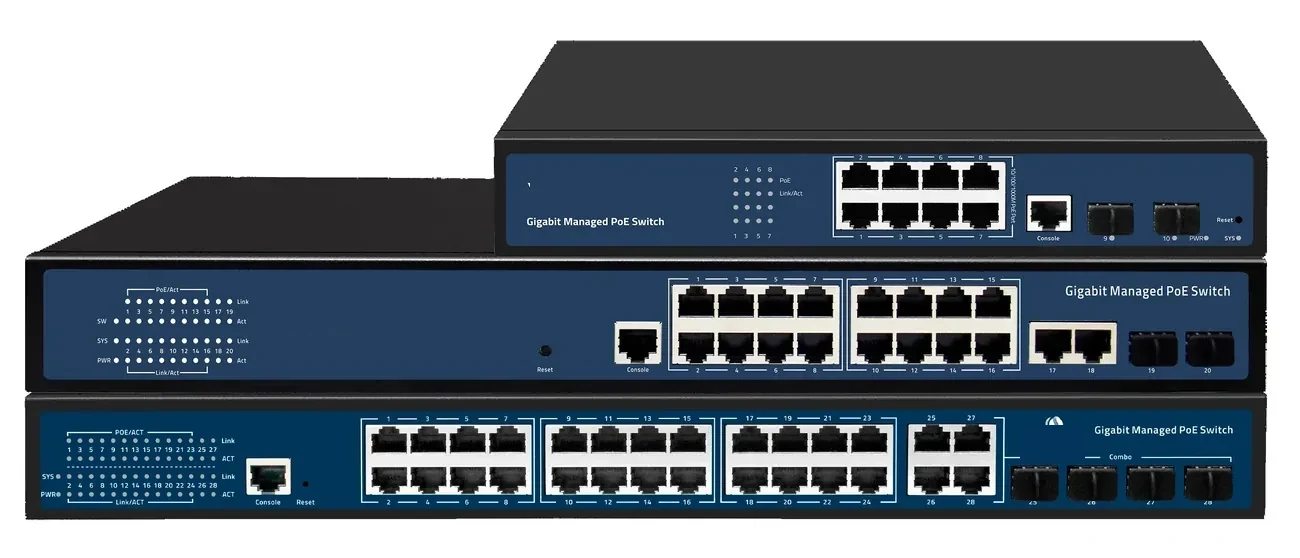
PoE switching · managed & unmanaged
PoE Switches
8 to 48 PoE ports, with 10G and 100G uplinks.
PoE switch families from compact 4–8 port units to 48-port Layer 3 switches with 100G uplinks. IEEE 802.3af/at power, VLAN and IGMP isolation, and a 100 m copper limit that decides where the fibre has to take over.
- Ports
- 4 – 48 × GE PoE
- Uplinks
- GE / 10G / 100G
- Power
- 802.3af / at
- Distance
- 100 m copper
Best for CCTV & Surveillance Power · Parking Lot Camera System · Perimeter Security Power
View specifications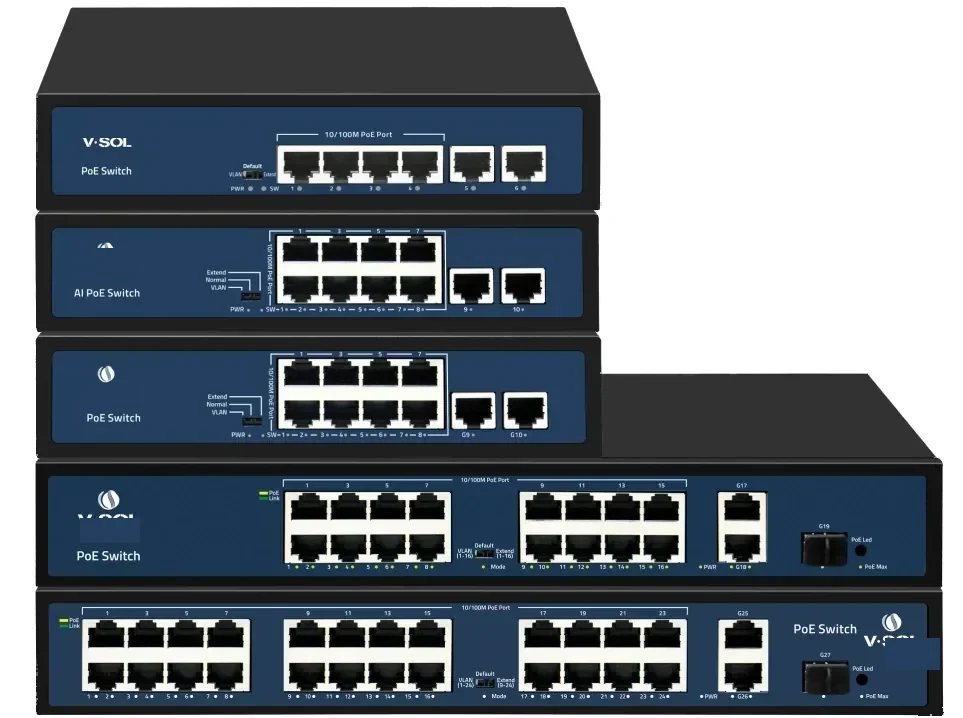
PoE switching · 24 port
24-Port PoE Switch
24 PoE ports and four 10G uplinks in 1U.
A 1U Layer 2/Layer 3 PoE switch with 24 GE PoE access ports and four 10GE/GE SFP+ uplinks. It is the standard choice for a CCTV floor, a wireless floor or a building distribution cabinet.
- Access ports
- 24 × GE PoE
- Uplinks
- 4 × 10GE SFP+
- Management
- L2 / L3
- Form factor
- 1U rack
Best for CCTV & Surveillance Power · Campus Fibre Network · Outdoor Wireless Coverage
View specifications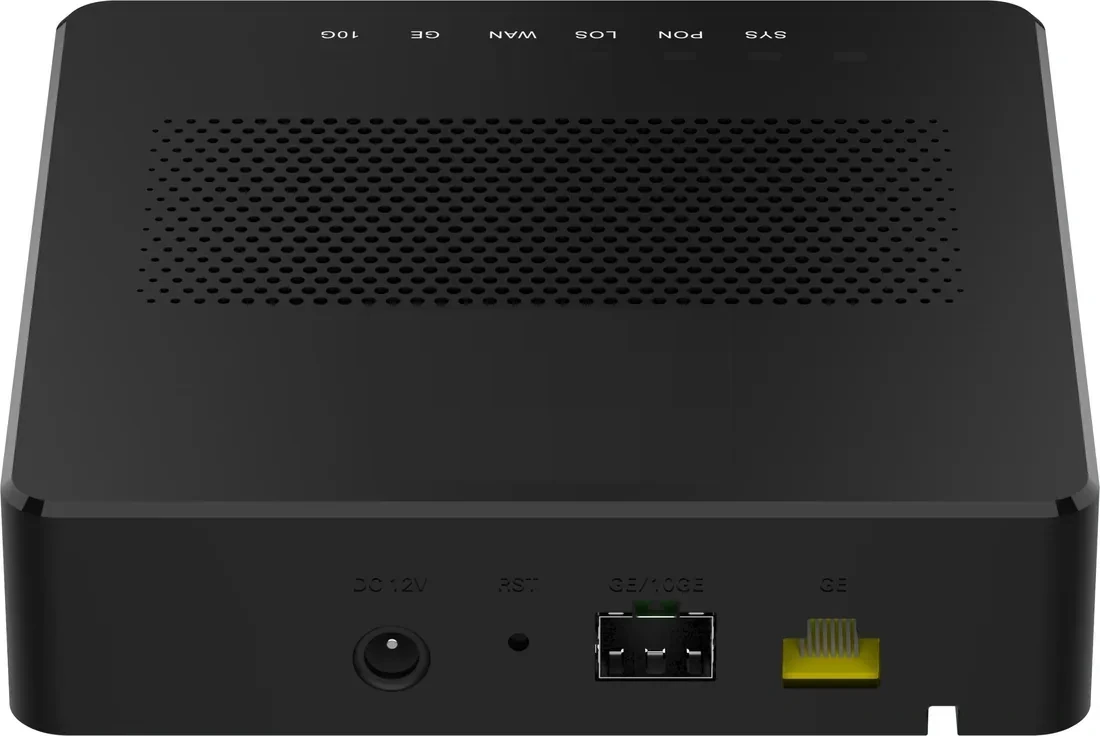
PON access · PoE ONU
PoE ONU & Reverse PoE
Power the ONU from the LAN, or the LAN from the ONU.
PoE ONU variants for corridors, rooms and MDUs: reverse-PoE (PD) units powered by a PoE switch, PSE units that power cameras and APs, and 4/8/24-port models for floor distribution. One XPON uplink, up to 24 PoE outputs.
- Uplink
- XPON / 10G PON
- PoE ports
- 1 – 24
- Modes
- PSE / PD
- Power
- 802.3af/at
Best for CCTV & Surveillance Power · Campus Fibre Network · Outdoor Wireless Coverage
View specifications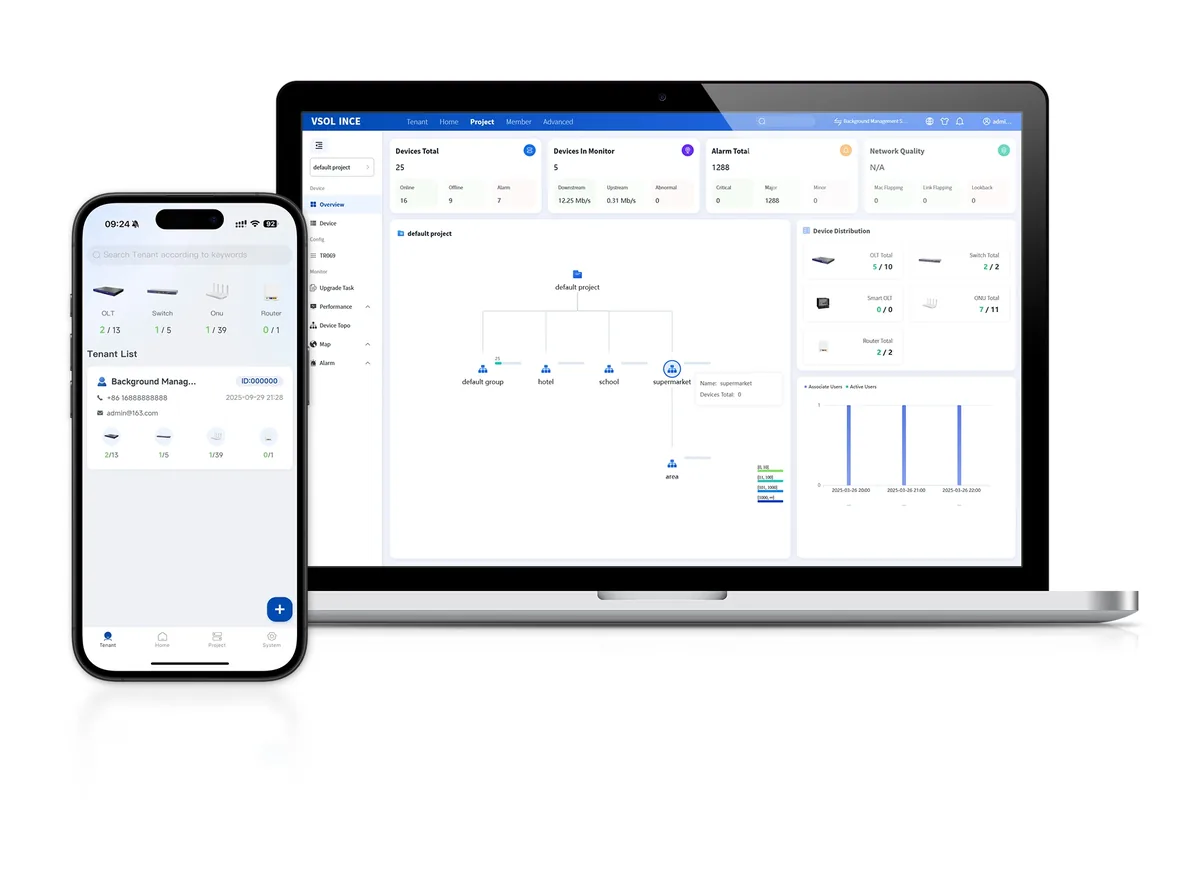
Software · management
Network Management & Cloud Platform
One view of OLT, ONU, AP and PoE.
Management options for PON and PoE networks: OLT-based OMCI/OAM, SNMP/CLI, TR-069 ACS and a cloud platform for topology, provisioning, alarms and remote maintenance across multiple sites.
- PON management
- OMCI / OAM
- Switching
- SNMP / CLI
- CPE
- TR-069 ACS
- Cloud
- Topology / alarms
Best for FTTH Access Network · Campus Fibre Network · Industrial & Tunnel Network
View specificationsProduct FAQ
NVR & Surveillance Storage: questions before the order.
If your question is not here, send the site details and we will answer with the calculation, not a brochure.
Ask an engineerHow much storage do I need?
Estimate the bitrate per camera × cameras × recording hours × retention days, add 20% headroom, then divide by the usable drive capacity. The camera schedule is the input.
PoE NVR or non-PoE NVR?
A PoE NVR is convenient for a small site within 100 m. For a larger site, use a non-PoE NVR and PoE switches at the edge; the NVR records from the CCTV VLAN.
Does the NVR support ONVIF?
Selected models support ONVIF. Confirm the profile, resolution and audio support against the camera model before the order.
Can I mix camera brands?
ONVIF compatibility allows different brands, but the feature set (smart events, audio, two-way talk) may be limited. Test one camera before the full order.
What about RAID?
RAID protects against a single drive failure. It is not a backup; keep an off-site or network backup for critical footage.
Does the NVR include hard drives?
Drives are usually quoted separately so the capacity matches the retention plan. Confirm the drive type and warranty on the quotation.
Next step
Need a NVR & Surveillance Storage configuration checked?
Send the endpoint count, the longest run, the power condition and the destination. We reply with the configuration, the optical/power budget and the quotation assumptions.
No obligation. The plan states its assumptions so your engineer can check it.