
Application · wireless
AC + AP Wireless
A centrally managed Wi-Fi design for hotels, campuses, offices and venues: an AC built into the optical gateway/OLT or supplied as software, ceiling/wall-plate/high-density APs, zero-touch provisioning, batch firmware, seamless roaming and per-SSID VLANs.
Updated October 24, 2026
- Copper limit
- 100 m
- PoF limit
- 200 m
- PoF power
- 12 W / port
- PON reach
- 20 km
The engineering problem
Why the obvious answer fails.
The endpoint is small; the distance, the power and the environment are not. Three paragraphs explain where the design usually breaks.
Standalone APs are easy to install and hard to run. Each AP has its own SSID, password and firmware; a change across 30 rooms becomes 30 site visits, and roaming between APs is often left to the client.
Coverage is not the same as capacity. A corridor AP may show strong signal but collapse when a class, a meeting or a restaurant fills with clients. The AP count, the radio type and the channel plan decide the experience, not the headline rate.
APs still need power and a backhaul. PoE covers 100 m from a powered switch; a ceiling AP beyond that, or without mains, needs fibre or PoF. The wireless design and the power path have to be planned together.
Path comparison
Four paths, one decision.
The correct path is the one that matches the endpoint power, the distance and the presence of mains. Do not compare only on cable price.
| Path | Reach | Power at the endpoint | Mains at endpoint | Best for | Limits |
|---|---|---|---|---|---|
| Copper PoE | 100 m channel | 15.4 / 30 W at the source (af / at) | Required for the switch | Devices within 100 m of a powered cabinet | Cable loss, surge path, no reach beyond 100 m |
| PoE extender | 200 – 500 m with hops | Reduced at each hop | Required at every extender | Retrofit where a mid-point has power | Another powered box outdoors; still copper |
| Power over Fiber | Up to 200 m per port | Up to 12 W per port | Not required | Ceiling APs, pole cameras, readers, sensors | 12 W per port, hybrid cable, 200 m limit |
| Fibre + local PoE switch | 20 km PON backhaul | Local switch budget | Required at the local cabinet | Cabinets, buildings, dense clusters | Needs a powered cabinet and a switch |
The correct path is the one that matches the endpoint power, the distance and the presence of mains. Do not compare only on cable price.
Design approach
How we lay it out.
Choose the AC model
Use an AC built into the optical gateway/OLT for a compact site, or a software AC for a larger multi-site network. The AC manages SSIDs, VLANs, firmware and roaming from one interface.
Match the AP to the place
Ceiling APs for corridors and open areas, wall-plate APs for guest rooms, high-density/Wi-Fi 7 APs for halls and venues, and PoF APs where the ceiling has no mains.
Plan the power path
Use PoE where the AP is within 100 m of a powered switch. Use PoF where the run is 100–200 m or the ceiling has no mains, with a PoF splitter and a PoF AP.
Provision once, change centrally
Adopt zero-touch provisioning, batch firmware upgrades and a standard SSID/VLAN template. Add an AP by policy, not by hand-configured passwords.
Bill of materials
A starting BOM.
Quantities follow the endpoint count and the number of cabinets. Adjust after the site survey.
| Line | Typical configuration | Why it is in the BOM |
|---|---|---|
| AC / gateway | AC built into OLT/gateway, or software AC | Central SSID, VLAN, firmware and roaming policy |
| Ceiling AP | Wi-Fi 6/7, 1×2.5GE or 1×GE, PoE | Corridors, halls, open areas |
| Wall-plate AP | Wi-Fi 6, 1×GE, PoE | Guest rooms and small offices |
| High-density AP | Wi-Fi 6/7, 2.5GE, PoE | Halls, restaurants, dense venues |
| PoF AP and splitter | PoF ceiling AP, 8-output splitter, hybrid cable | Ceiling without mains, 100–200 m |
| PoE switch | 8–48 ports, 802.3af/at, 10G uplink | APs within the 100 m copper channel |
| Management | AC/cloud, VLAN/SSID plan, firmware baseline | Batch changes and fault diagnosis |
AP count, radio type and power budget follow the site survey. Confirm the final AP and PoE/PoF mix on the quotation.
Numbers to check
The design rules.
| Design rule | Value to confirm |
|---|---|
| Coverage | Survey the wall material, room size and client density |
| PoE limit | 100 m channel including patch cords |
| PoF limit | 200 m per port, ≤12 W per AP |
| Wi-Fi | Wi-Fi 6 for standard areas; Wi-Fi 7 for high-density venues |
| Roaming | One SSID, 802.11k/v/r where supported, same AC |
| Security | Per-SSID VLAN, client isolation, WPA3 where supported |
Recommended equipment
What this design usually uses.
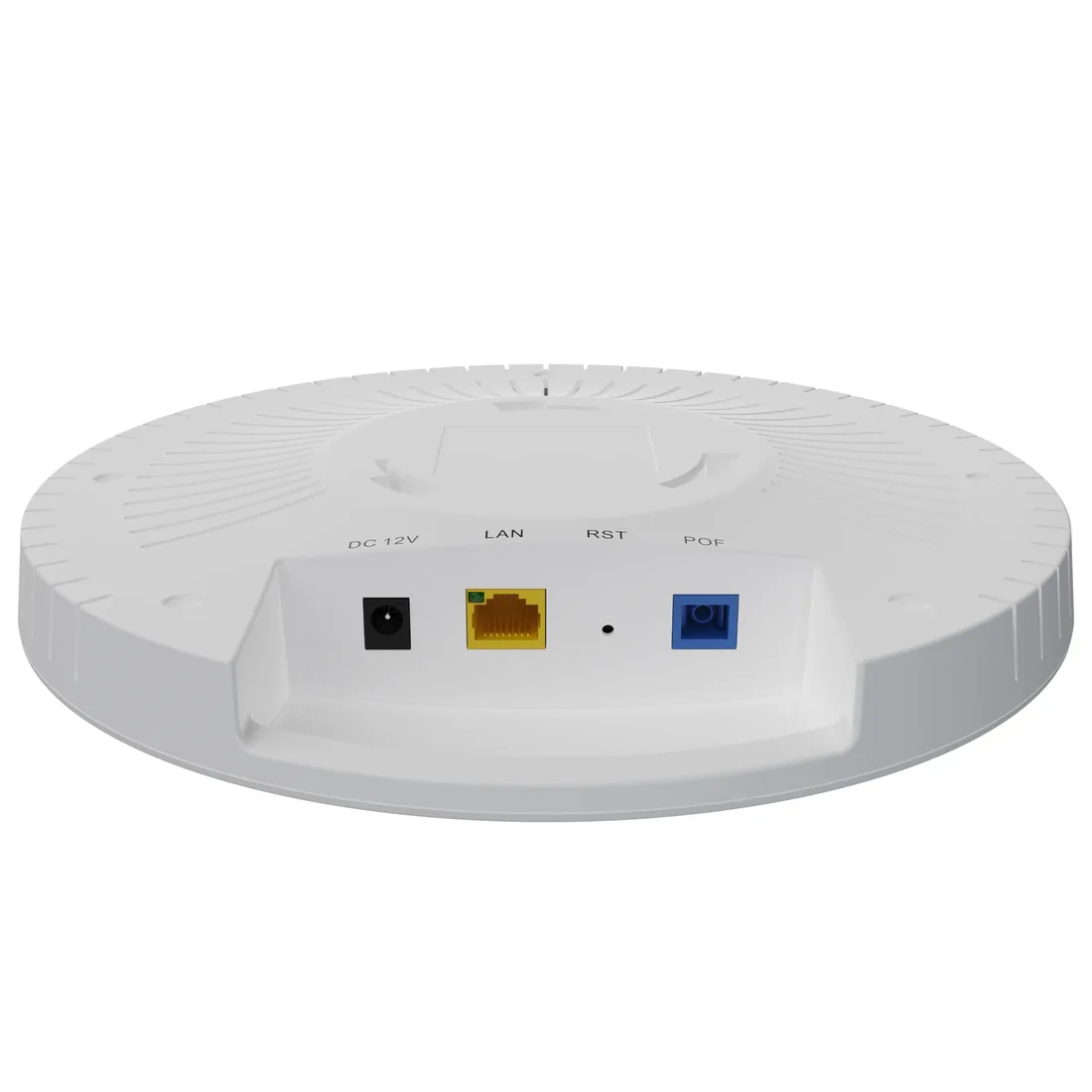
CPE & wireless · access points
Wi-Fi AP & AC
Ceiling, wall-plate and high-density APs.
Wi-Fi 6/7 access points and software AC for hotels, campuses and offices: ceiling APs with 2.5GE PoE, wall-plate APs, high-density models, PoF ceiling APs and a built-in or software AC.
- Wi-Fi
- Wi-Fi 6 / Wi-Fi 7
- Uplink
- GE / 2.5GE / PoF
- Power
- PoE / PoF
- Management
- AC / OLT
Best for Campus Fibre Network · Outdoor Wireless Coverage · FTTH Access Network
View specifications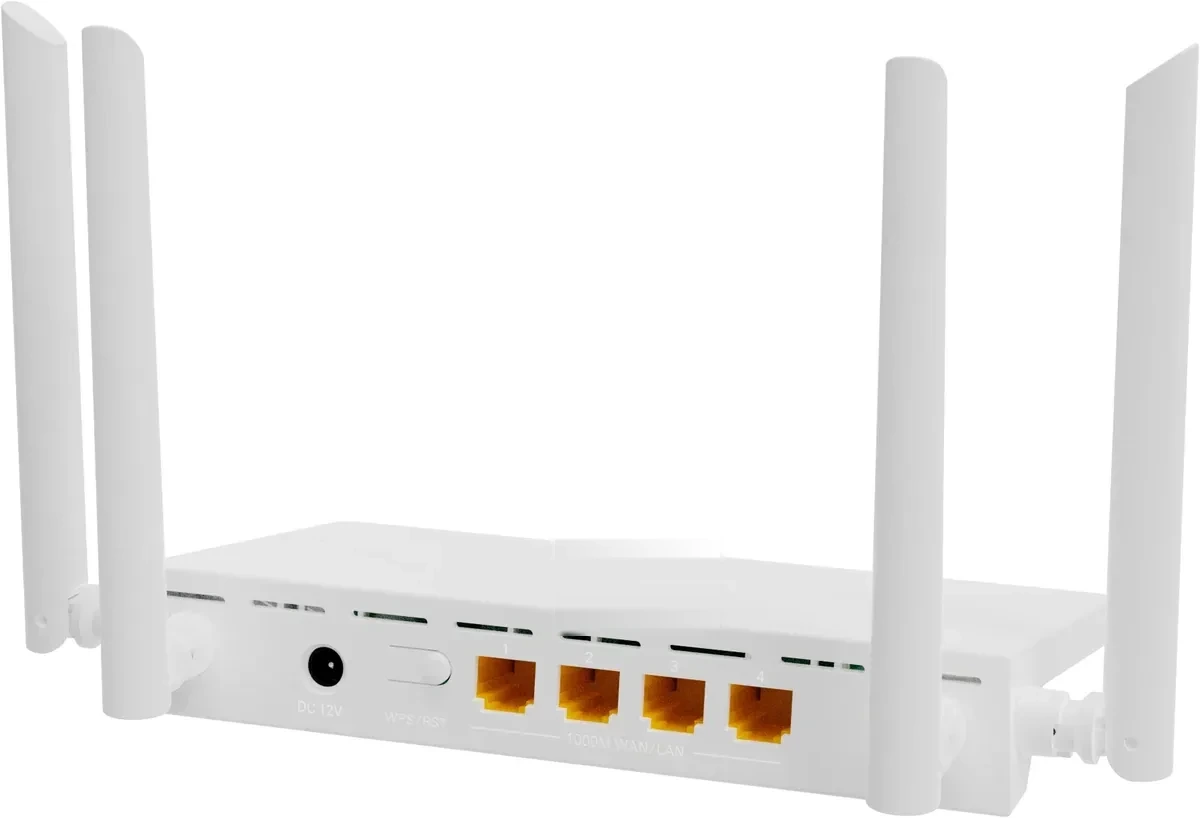
CPE & wireless · router
Router / CPE
Wi-Fi 6 routers for FTTH and SMB.
Router / CPE options for FTTH and SMB: Wi-Fi 6 AX1500 and AX3000, 1–4 GE ports, 2.5GE WAN, PoE PD and a ceiling-mount model with AP function. Fat/fit modes let the same unit work as a router or an access point.
- Wi-Fi
- Wi-Fi 6 AX1500 / AX3000
- Ports
- 1–4 GE
- WAN
- GE / 2.5GE
- Power
- DC / PoE PD
Best for FTTH Access Network · Campus Fibre Network
View specifications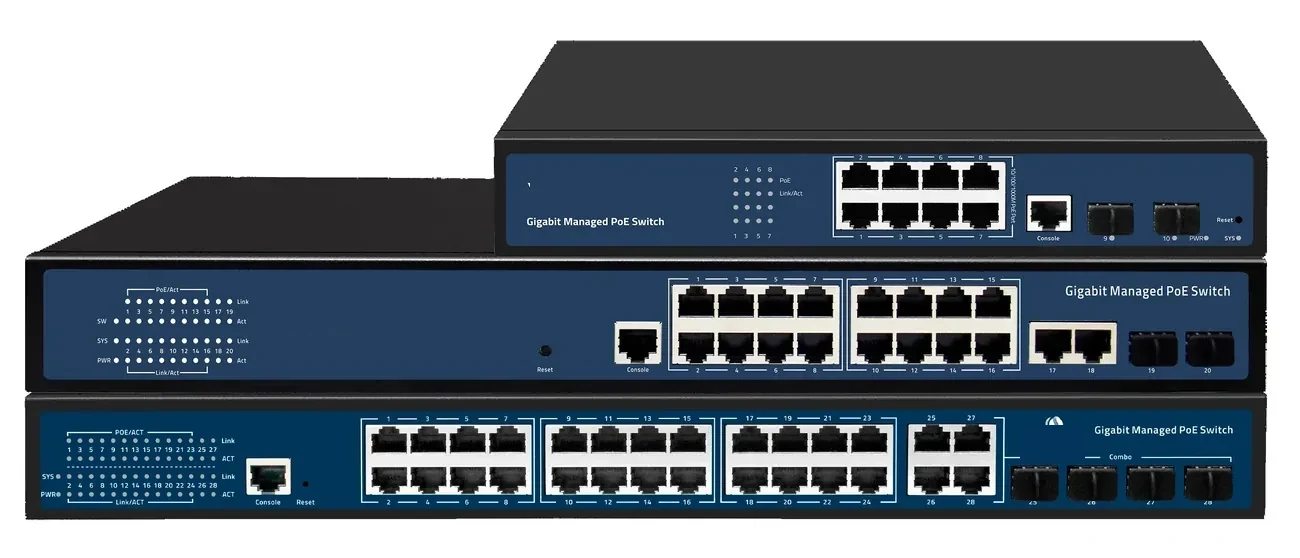
PoE switching · managed & unmanaged
PoE Switches
8 to 48 PoE ports, with 10G and 100G uplinks.
PoE switch families from compact 4–8 port units to 48-port Layer 3 switches with 100G uplinks. IEEE 802.3af/at power, VLAN and IGMP isolation, and a 100 m copper limit that decides where the fibre has to take over.
- Ports
- 4 – 48 × GE PoE
- Uplinks
- GE / 10G / 100G
- Power
- 802.3af / at
- Distance
- 100 m copper
Best for CCTV & Surveillance Power · Parking Lot Camera System · Perimeter Security Power
View specifications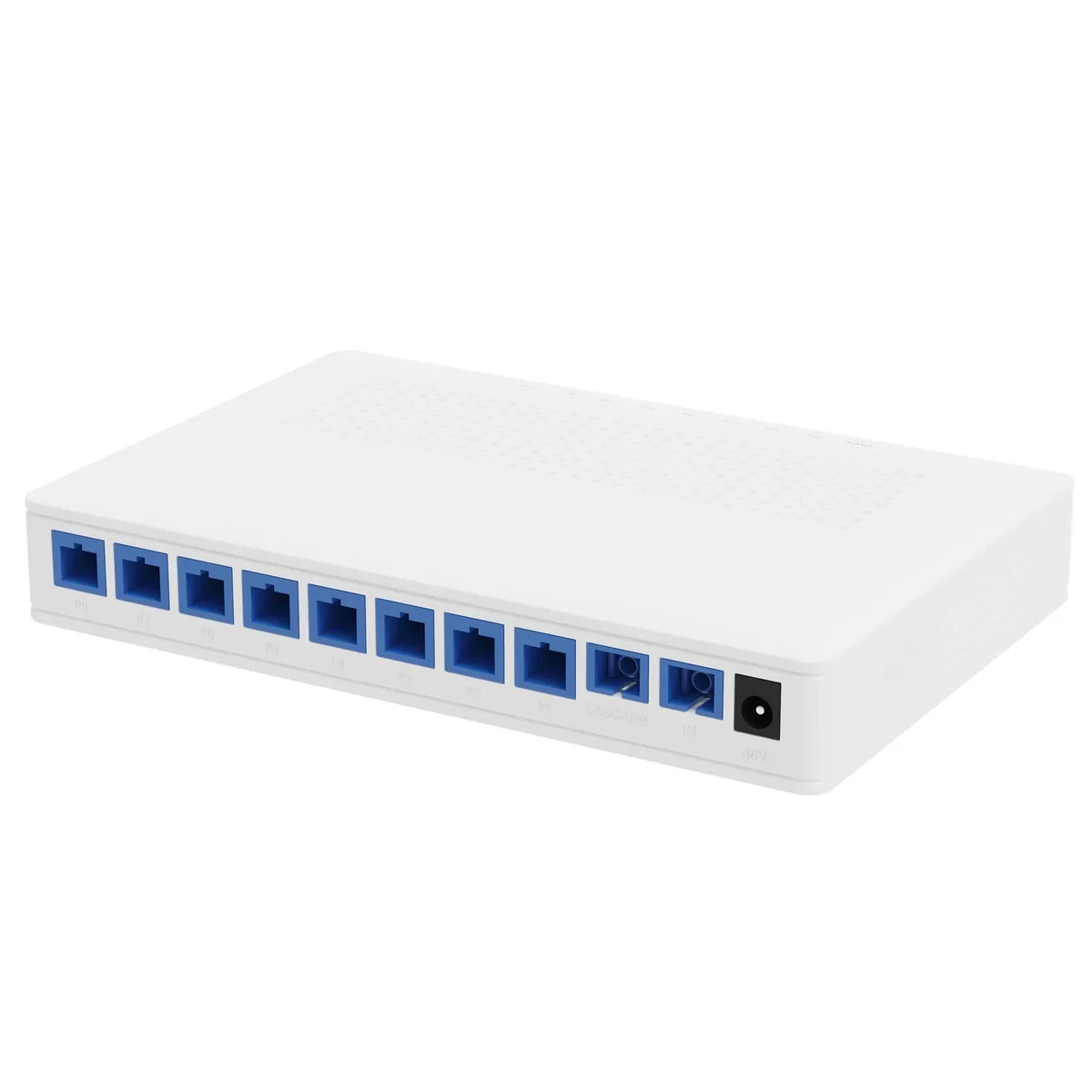
Power over Fiber · access
PoF Switch & PoF ONU
One hybrid cable to the ceiling: data and 12 W.
A Power-over-Fiber access set: an optical gateway, an 8-output PoF power splitter, hybrid PoF cable and a ceiling Wi-Fi 6 ONU. Each output delivers up to 12 W to 200 m, so ceiling APs and cameras run without a local mains socket.
- Power per port
- Up to 12 W
- Reach
- Up to 200 m
- Outputs
- 8 + 1 cascade
- Wi-Fi
- Wi-Fi 6 AX3000
Best for Outdoor Wireless Coverage · Campus Fibre Network · Parking Lot Camera System
View specifications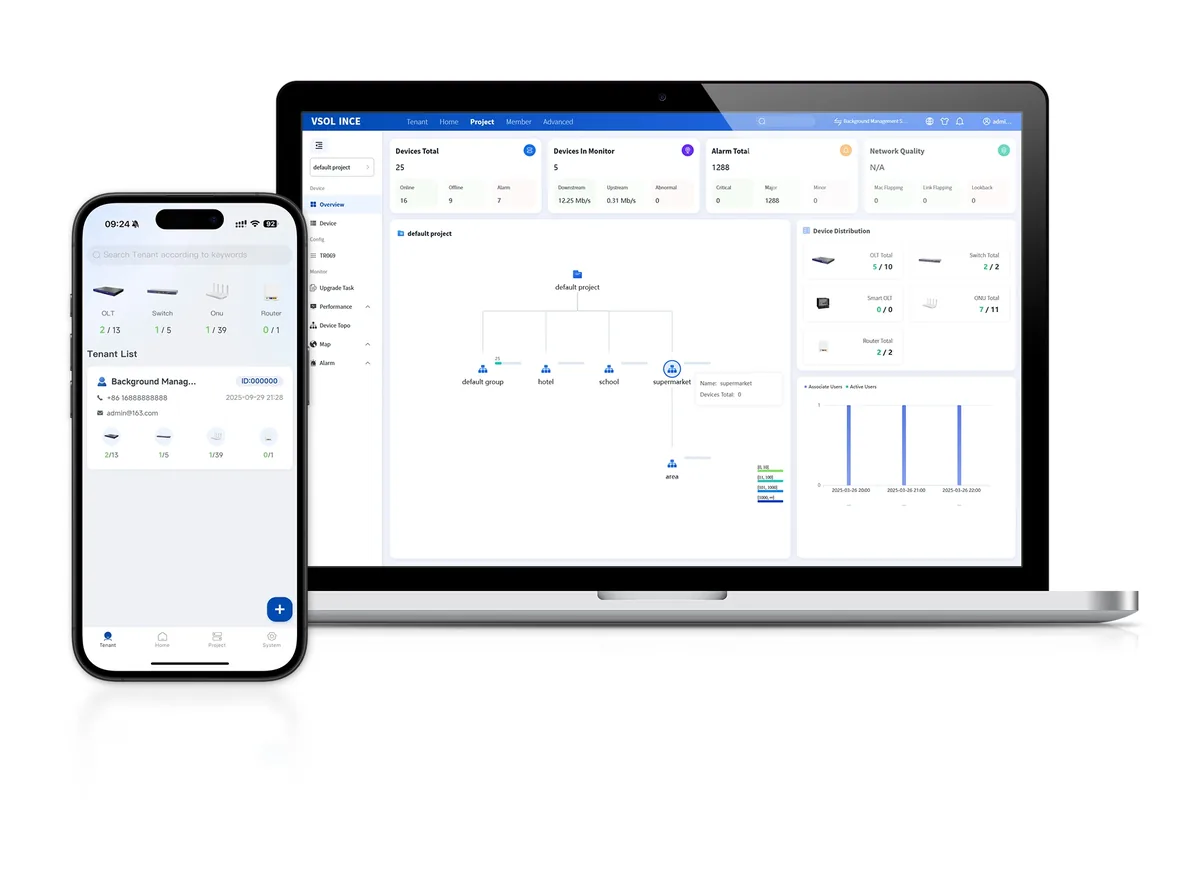
Software · management
Network Management & Cloud Platform
One view of OLT, ONU, AP and PoE.
Management options for PON and PoE networks: OLT-based OMCI/OAM, SNMP/CLI, TR-069 ACS and a cloud platform for topology, provisioning, alarms and remote maintenance across multiple sites.
- PON management
- OMCI / OAM
- Switching
- SNMP / CLI
- CPE
- TR-069 ACS
- Cloud
- Topology / alarms
Best for FTTH Access Network · Campus Fibre Network · Industrial & Tunnel Network
View specificationsApplication FAQ
AC + AP Wireless: site questions.
If your question is not here, send the site details and we will answer with the calculation, not a brochure.
Ask an engineerDo I need a separate AC appliance?
Not always. A compact site can use the AC built into the optical gateway/OLT. A larger or multi-site network may use a software AC or a dedicated appliance. The choice depends on the AP count, the management model and the existing headend.
How many APs do I need?
That is a site-survey question, not a catalogue number. Room size, wall material, ceiling height, client density and the applications decide the AP count. A corridor AP cannot be assumed to cover closed classrooms or guest rooms.
Can the APs roam seamlessly?
Seamless roaming needs one SSID, a common security policy and a controller/AC that supports the roaming standard. The client also has to support it. Test roaming on site with a call or video session before handover.
When should I use a PoF AP?
When the ceiling has no mains and the run is 100–200 m, and the AP load is 12 W or less. If the ceiling has mains and the run is within 100 m, a standard PoE AP is simpler and usually cheaper.
Can guest and staff share the same APs?
Yes, with separate SSIDs and VLANs. Guest traffic should be isolated from staff and payment networks. The AC profile enforces the VLAN and ACL policy.
How much PoE budget should I reserve per AP?
Reserve the AP’s 802.3at class — commonly 30 W at the source for a Wi-Fi 6/6E AP — and keep at least 20% headroom across the switch. A 24-port 370 W switch cannot run 24 APs at 30 W; size the total budget, not just the port count.
Next step
Planning AC + AP Wireless?
Send the device list, the longest run, the mains condition and the country. We return the path, the BOM and the budget assumptions.
No obligation. The plan states its assumptions so your engineer can check it.