
PoE switching · managed & unmanaged
PoE Switches
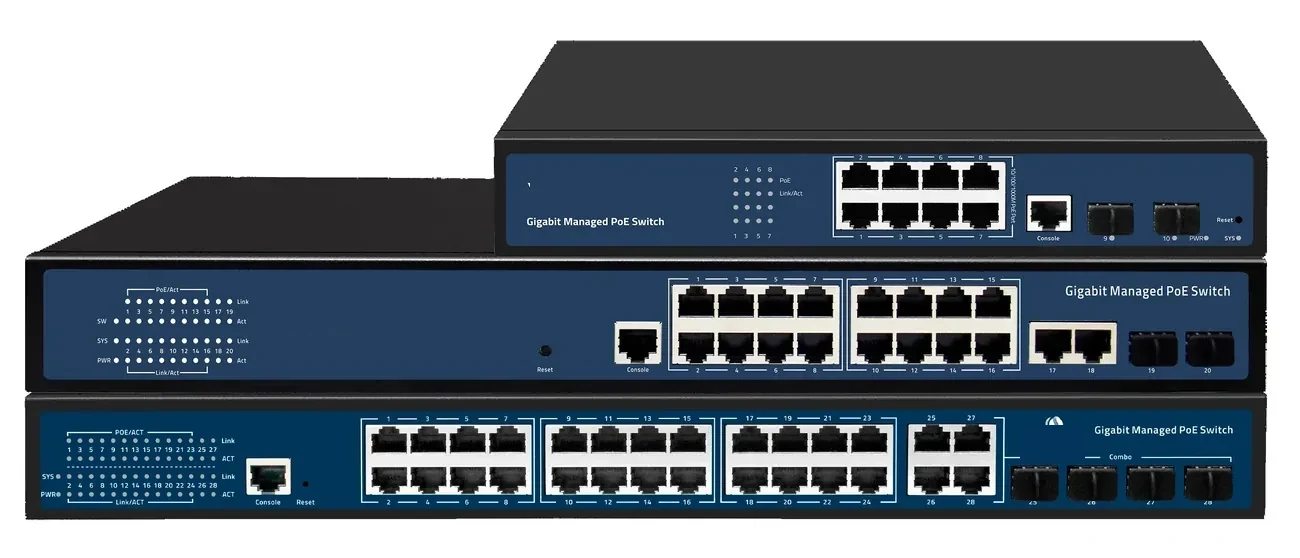
PoE switch families from compact 4–8 port units to 48-port Layer 3 switches with 100G uplinks. IEEE 802.3af/at power, VLAN and IGMP isolation, and a 100 m copper limit that decides where the fibre has to take over.
Updated October 24, 2026
- Ports
- 4 – 48 × GE PoE
- Uplinks
- GE / 10G / 100G
- Power
- 802.3af / at
- Distance
- 100 m copper
The short answer
What this product is specified for.
Included in the quotation
- Port count, connector polish and power configuration
- Model-level datasheet and test data
- Optical budget and splitter plan for the ODN
- Export packing, HS code and Incoterm
A PoE switch does two jobs: it switches the network and it powers the end device over the same copper pair. That convenience has a hard boundary. IEEE 802.3 sets a 100 m channel limit for copper Ethernet, and the power budget is shared across all ports. A 24-port switch with a 370 W budget cannot run 24 cameras at 30 W each; the arithmetic, not the port count, decides the model.
The power standards matter. 802.3af (PoE) delivers up to 15.4 W per port at the source, 802.3at (PoE+) up to 30 W, and 802.3bt (Type 3/4) up to 60 W or 90 W at the source. Cable category, conductor gauge and bundle size all affect the usable power at the far end. For a PTZ camera with a heater, a Wi-Fi 6E AP or a small display, check the peak draw and the switch budget, not just the port label.
The range covers unmanaged compact units for a shop or a kiosk, Layer 2/Layer 3 24- and 48-port switches with 10G SFP+ uplinks, and aggregation switches with 12–24 × 10GE ports and 100G uplinks. Management features include VLAN, QinQ, STP/RSTP/MSTP, link aggregation, IGMP snooping, DHCP snooping, ACL, QoS and SNMP/CLI/web/SSH. For runs beyond 100 m, the design moves to fibre: a PoE switch at the local cabinet, a PoF drop, or a fibre uplink to a remote switch.
Configuration table
The numbers that decide the fit.
Values are from the model datasheet. Where a value is model-dependent, the table says so instead of guessing.
| Family | Access ports | Uplinks | Management | Typical use |
|---|---|---|---|---|
| Compact unmanaged | 4 – 8 × GE PoE | 1 – 2 × GE / SFP | Unmanaged | Shop, kiosk, small office |
| 24-port | 24 × GE PoE | 4 × 10GE/GE SFP+ | L2 / L3 | CCTV floor, wireless floor |
| 48-port | 48 × GE PoE | 4 – 6 × 10GE/GE SFP+ | L3 | Building aggregation, dense camera groups |
| Aggregation | 12 – 24 × 10GE SFP+ | 2 × 100GE QSFP28 | L3 | Campus core, data centre edge |
| Non-PoE variants | 24 – 48 × GE | 4 × 10GE SFP+ | L2 / L3 | Uplink and server switching |
PoE budget, fan configuration and power-supply options are model-specific. Confirm the budget and the number of powered ports on the quotation.
Engineering features
What changes on site.
802.3af/at power
15.4 W and 30 W per port at the source. Check the total budget: a 24-port unit cannot run 24 × 30 W unless its budget is at least 720 W.
10G and 100G uplinks
SFP+ uplinks remove the uplink bottleneck when 24 or 48 access ports are busy; 100G QSFP28 is available on the aggregation family.
VLAN and IGMP isolation
Put CCTV, guest Wi-Fi and building controls on separate VLANs. IGMP snooping keeps multicast video from flooding every access port.
Ring and redundancy
STP/RSTP/MSTP and link aggregation support ring or dual-homed topologies for sites that cannot lose the uplink.
Per-port control
Port enable/disable, rate limiting, PoE scheduling, QoS and ACL let the operator reboot a camera or shed load without a site visit.
Budget first, ports second
Add up the peak load of every powered device, add 20% headroom, then choose the switch. Port count alone is not a power plan.
Selection guide
Which configuration fits which site.
Start from the site, not from the model. The table is a starting point; the final check is the optical and power budget.
| Devices | Typical load | Switch class | Note |
|---|---|---|---|
| 4–8 cameras | 8 W each, 64 W total | 8-port PoE, ≥100 W budget | Check the uplink and PoE budget |
| 16–24 cameras | 8–12 W each, 200–290 W | 24-port PoE, ≥370 W budget | Use 10G uplink if recording is central |
| 24–48 cameras / APs | 10 W average, 240–480 W | 48-port PoE, ≥600 W budget | Split across two switches for redundancy |
| Runs over 100 m | Any | Fibre uplink + local PoE switch | Or PoF where mains is unavailable |
These are planning examples. The actual budget must cover peak draw, cable loss and at least 20% headroom.
Applications
Where this product is used.
Related equipment
Complete the chain.
The product is quoted as part of a chain. These are the parts that usually travel with it.
PoE switching · compact
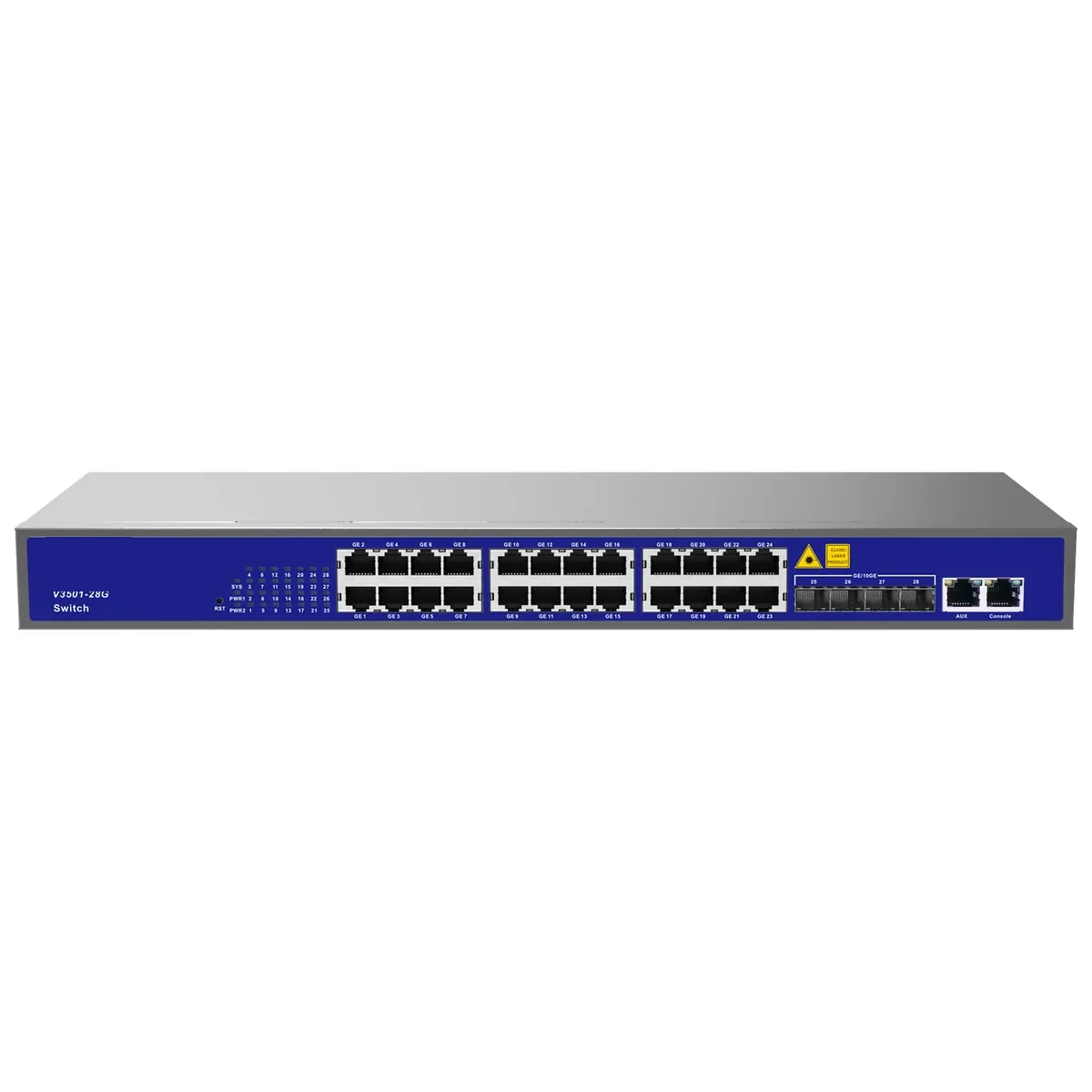
8-Port PoE Switch
Small-count PoE for poles, kiosks and shops.
Compact 4- and 8-port PoE switches for small camera groups, wireless APs and access control. Fanless, desktop or wall mounted, with 802.3af/at power and a GE or SFP uplink.
- Ports
- 4 or 8 × GE PoE
- Power
- 802.3af / at
- Cooling
- Fanless
- Mount
- Desktop / wall
Best for CCTV & Surveillance Power · Parking Lot Camera System · Bollard & Access Control Power
View specifications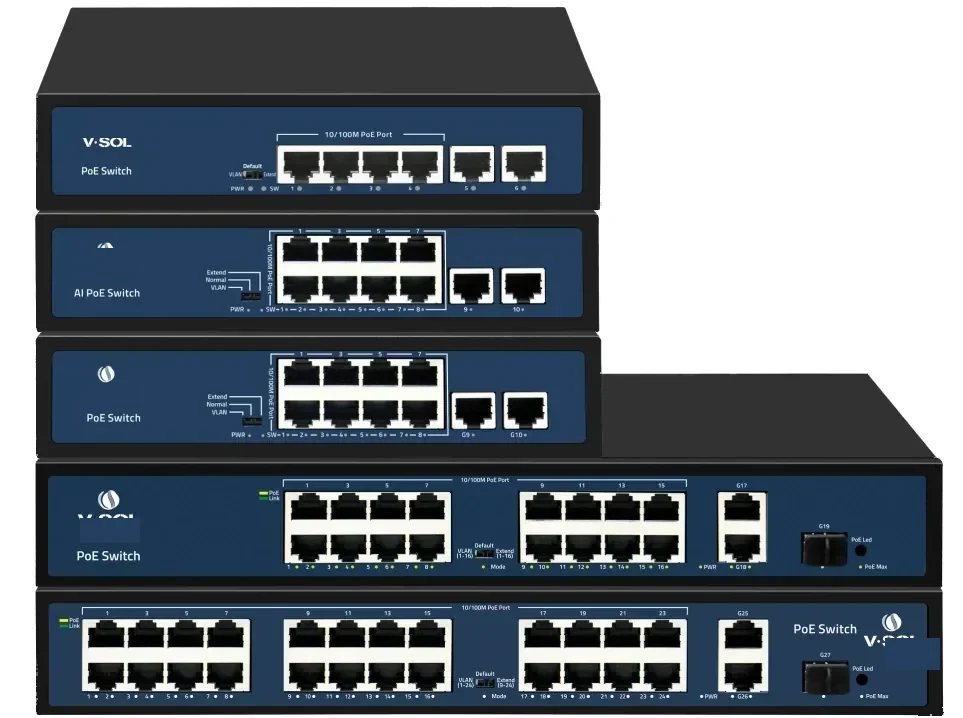
PoE switching · 24 port
24-Port PoE Switch
24 PoE ports and four 10G uplinks in 1U.
A 1U Layer 2/Layer 3 PoE switch with 24 GE PoE access ports and four 10GE/GE SFP+ uplinks. It is the standard choice for a CCTV floor, a wireless floor or a building distribution cabinet.
- Access ports
- 24 × GE PoE
- Uplinks
- 4 × 10GE SFP+
- Management
- L2 / L3
- Form factor
- 1U rack
Best for CCTV & Surveillance Power · Campus Fibre Network · Outdoor Wireless Coverage
View specifications
PoE switching · hardened
Industrial PoE Switch
Hardened switching for tunnels, roads and plants.
Industrial PoE switching specified per project: DIN-rail mounting, wide-temperature operation, redundant DC input, higher surge immunity and ring recovery for tunnels, highways, plants and perimeter sites.
- Mounting
- DIN rail / wall
- Temperature
- Wide-range model
- Power
- Redundant DC
- Network
- Ring / RSTP
Best for Industrial & Tunnel Network · Perimeter Security Power · Parking Lot Camera System
View specifications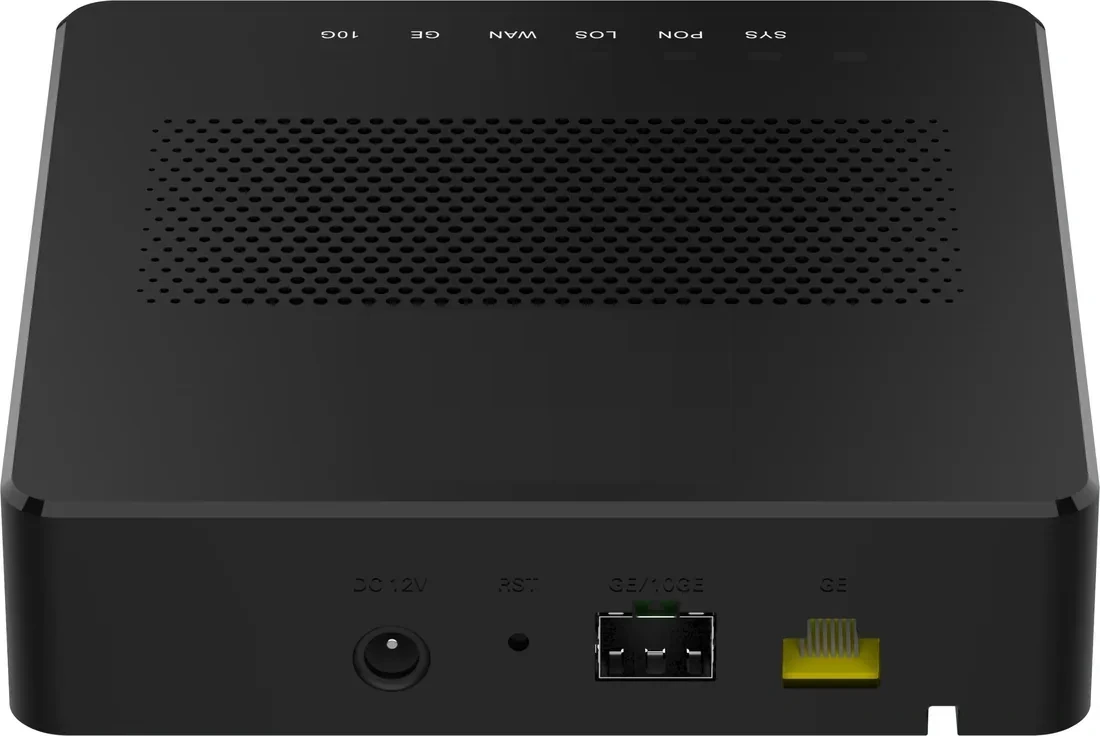
PON access · PoE ONU
PoE ONU & Reverse PoE
Power the ONU from the LAN, or the LAN from the ONU.
PoE ONU variants for corridors, rooms and MDUs: reverse-PoE (PD) units powered by a PoE switch, PSE units that power cameras and APs, and 4/8/24-port models for floor distribution. One XPON uplink, up to 24 PoE outputs.
- Uplink
- XPON / 10G PON
- PoE ports
- 1 – 24
- Modes
- PSE / PD
- Power
- 802.3af/at
Best for CCTV & Surveillance Power · Campus Fibre Network · Outdoor Wireless Coverage
View specificationsProduct FAQ
PoE Switches: questions before the order.
If your question is not here, send the site details and we will answer with the calculation, not a brochure.
Ask an engineerHow far can a PoE switch power a camera?
100 m of copper channel, including patch cords, under IEEE 802.3. Beyond that you need a fibre uplink, a PoE extender or a PoF link. The 100 m limit is a standard, not a vendor preference.
How do I calculate the PoE budget?
Add the maximum power of every powered device, add cable loss (roughly 10–15% on long runs), then add 20% headroom. Compare the total with the switch’s PoE budget, not with the sum of the port ratings.
Do all 24 ports deliver 30 W at the same time?
Only if the switch’s total budget is at least 720 W. Most 24-port switches have a lower shared budget, so the per-port maximum is available only when the total load allows it.
What is the difference between 802.3at and 802.3bt?
802.3at (PoE+) provides up to 30 W at the source; 802.3bt provides up to 60 W (Type 3) or 90 W (Type 4) for higher-power devices. bt needs Cat5e or better and a switch rated for it.
Can I power an ONU from a PoE switch?
Only with a reverse-PoE (PD) ONU. A standard ONU uses a DC adapter. The reverse-PoE model takes power from the PoE switch and avoids a local socket at the ceiling.
Managed or unmanaged for a CCTV project?
Managed, for VLAN separation, IGMP snooping, port diagnostics and remote reboot. Unmanaged is acceptable only for a small isolated group with no recording server or guest network.
Do you supply SFP modules and patch cords?
Yes. SFP/SFP+ optics, fibre patch cords and copper patch cords are quoted with the switch so the wavelength, reach and connector match the uplink.
Next step
Need a PoE Switches configuration checked?
Send the endpoint count, the longest run, the power condition and the destination. We reply with the configuration, the optical/power budget and the quotation assumptions.
No obligation. The plan states its assumptions so your engineer can check it.