
Application · FTTH
FTTH Access Network
An FTTH access network is a chain of optical budgets: OLT port, feeder fibre, splitter, distribution fibre, drop cable and ONT. This page gives the chain, the split-ratio trade-off and the bill of materials for a small ISP or estate network.
Updated October 24, 2026
- Copper limit
- 100 m
- PoF limit
- 200 m
- PoF power
- 12 W / port
- PON reach
- 20 km
The engineering problem
Why the obvious answer fails.
The endpoint is small; the distance, the power and the environment are not. Three paragraphs explain where the design usually breaks.
An FTTH network is not a single product; it is a chain of optical budgets. The OLT transmit power, the splitter loss, the fibre length, the connector count and the ONT sensitivity must all fit inside one number. If the chain is designed from the product catalogue instead of the budget, the network works on the bench and fails at the last subscriber.
The split ratio is the biggest lever. A 1:64 split costs about 20.5 dB, a 1:32 costs 16.5 dB. On a 20 km span, the extra 4 dB is often the difference between a stable link and a flapping ONT. On a short in-building ODN, 1:64 is fine and saves fibre and OLT ports.
The second lever is ONT selection. A 1-GE bridge is enough for a camera or a basic subscriber; a Wi-Fi 6 gateway with 4 GE and CATV is needed for a hotel room or a premium package. Mixing ONT models without a common management profile multiplies the support cost.
Path comparison
Four paths, one decision.
The correct path is the one that matches the endpoint power, the distance and the presence of mains. Do not compare only on cable price.
| Path | Reach | Power at the endpoint | Mains at endpoint | Best for | Limits |
|---|---|---|---|---|---|
| Copper PoE | 100 m channel | 15.4 / 30 W at the source (af / at) | Required for the switch | Devices within 100 m of a powered cabinet | Cable loss, surge path, no reach beyond 100 m |
| PoE extender | 200 – 500 m with hops | Reduced at each hop | Required at every extender | Retrofit where a mid-point has power | Another powered box outdoors; still copper |
| Power over Fiber | Up to 200 m per port | Up to 12 W per port | Not required | Ceiling APs, pole cameras, readers, sensors | 12 W per port, hybrid cable, 200 m limit |
| Fibre + local PoE switch | 20 km PON backhaul | Local switch budget | Required at the local cabinet | Cabinets, buildings, dense clusters | Needs a powered cabinet and a switch |
The correct path is the one that matches the endpoint power, the distance and the presence of mains. Do not compare only on cable price.
Design approach
How we lay it out.
Calculate the worst-case path
Use the longest fibre, the highest split ratio and the worst connector count. Subtract splitter loss, fibre loss (0.35 dB/km at 1310 nm, 0.2 dB/km at 1550 nm), connector loss (0.3–0.5 dB per pair), splice loss (0.1 dB) and a 3 dB ageing margin.
Choose the split ratio from the result
If the margin is below 3 dB, reduce the split ratio, shorten the span or move the splitter closer to the subscriber. Do not add an amplifier to a PON; it is a passive network.
Standardise the ONT family
Use one or two ONT models across the network: a bridge for cameras and a Wi-Fi 6 gateway for subscribers. Keep one firmware and one management profile.
Bill of materials
A starting BOM.
Quantities follow the endpoint count and the number of cabinets. Adjust after the site survey.
| Item | Specification | Quantity basis |
|---|---|---|
| OLT | GPON/EPON, 1:64 max split | 1 per 64–128 subscribers, depending on fill |
| Feeder fibre | G.652D / G.657A2, 9/125 µm | Per route |
| PLC splitter | 1:32 or 1:64, SC/UPC | 1 per 32/64 subscribers |
| Distribution fibre | G.657A2, bend-insensitive | Per building |
| Drop cable | G.657A2, SC/UPC | 1 per subscriber |
| ONT | 1-GE bridge or Wi-Fi 6 gateway | 1 per subscriber |
The OLT port count follows the splitter plan and the fill target; do not size the OLT from the total subscriber count alone.
Numbers to check
The design rules.
| Design rule | Value to confirm |
|---|---|
| PON reach | 20 km Class B+ |
| Split loss | 1:32 ≈ 16.5 dB; 1:64 ≈ 20.5 dB |
| Fibre loss | 0.35 dB/km @1310; 0.2 dB/km @1550 |
| Connector | 0.3 – 0.5 dB per pair |
| Splice | 0.1 dB each |
| Ageing margin | 3 dB |
Recommended equipment
What this design usually uses.
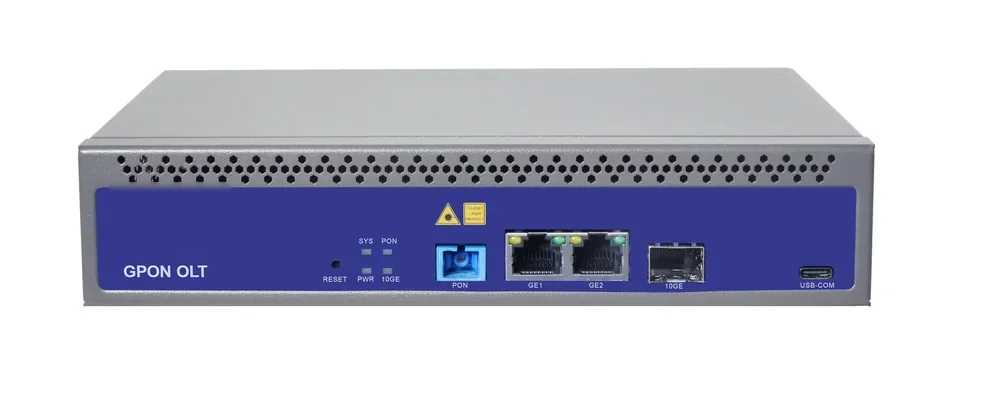
PON access · OLT
GPON OLT
From a 1-PON gateway to a 112-PON headend.
GPON OLT platforms for FTTH, campus and hotel access: 2.5 Gbps downstream and 1.25 Gbps upstream, 1:64 split per PON port and 20 km reach on Class B+ optics. Configurations run from a compact 1-PON gateway with built-in AC to a chassis with up to 112 PON ports.
- Line rate
- 2.5 Gbps ↓ / 1.25 Gbps ↑
- Max split
- 1:64 per PON port
- Reach
- 20 km, Class B+
- PON ports
- 1 – 112
Best for FTTH Access Network · Campus Fibre Network · Outdoor Wireless Coverage
View specifications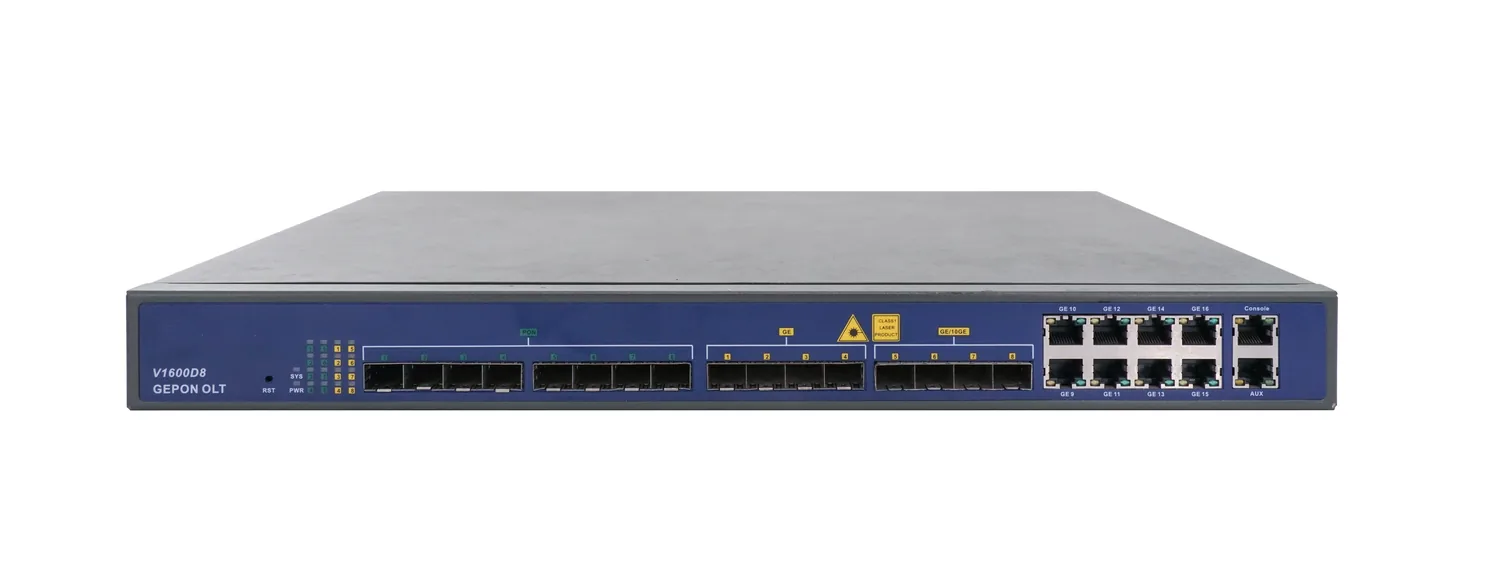
PON access · OLT
8-Port EPON OLT
1U, eight EPON ports, up to 512 ONUs.
A 1U EPON OLT with eight PON ports, 16 uplink ports and a 128 Gbps backplane. It supports 1:64 splitting, 20 km reach and up to 512 ONUs, making it a compact headend for CCTV, campus and small FTTH networks.
- PON ports
- 8 × EPON
- Line rate
- 1.25 Gbps symmetric
- Max ONUs
- 512 (64 per port)
- Backplane
- 128 Gbps
Best for CCTV & Surveillance Power · Campus Fibre Network · FTTH Access Network
View specifications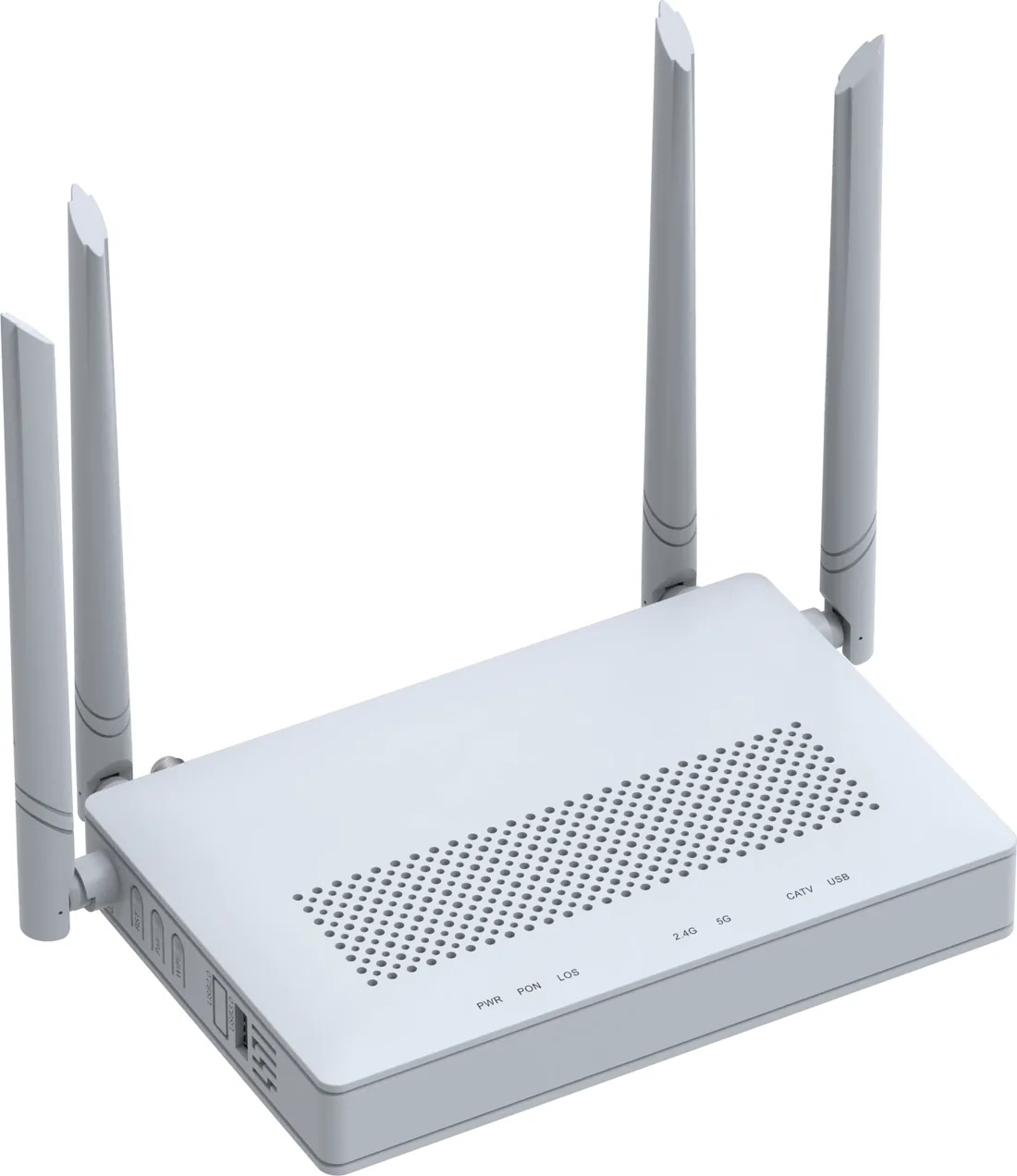
PON access · ONU / ONT
GPON / XPON ONU & ONT
From a 1-GE bridge to a 4-GE Wi-Fi 6 gateway.
XPON ONU and ONT options for FTTH, hotel rooms, offices and outdoor cabinets: 1, 2 or 4 GE ports, Wi-Fi 4/5/6, CATV and POTS options, and 10G PON models. All units are SC single-mode, 20 km, EPON/GPON dual-mode where the model supports it.
- PON
- XPON, EPON/GPON
- User ports
- 1 – 4 × GE
- Wi-Fi
- Wi-Fi 4 / 5 / 6
- Reach
- 20 km
Best for FTTH Access Network · Campus Fibre Network · Outdoor Wireless Coverage
View specifications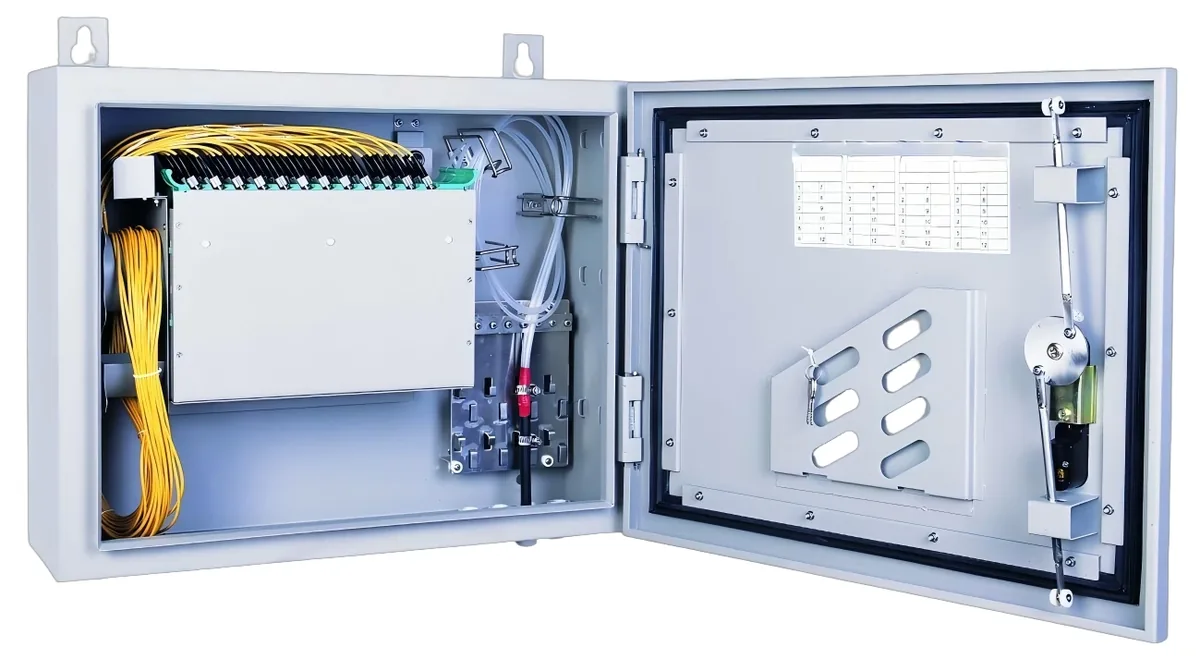
PON access · ODN
Fiber Optic Splitter (PLC)
1×2 to 1×64, SC/UPC or SC/APC.
Planar lightwave circuit splitters from 1×2 to 1×64 for PON ODN construction. Typical insertion loss runs from 3.6 dB at 1×2 to 20.5 dB at 1×64; each batch ships with test data and the connector polish you specify.
- Ratios
- 1×2 – 1×64
- Wavelength
- 1260 – 1650 nm
- Insertion loss
- 3.6 – 20.5 dB
- Connector
- SC/UPC / SC/APC
Best for FTTH Access Network · Campus Fibre Network · CCTV & Surveillance Power
View specificationsApplication FAQ
FTTH Access Network: site questions.
If your question is not here, send the site details and we will answer with the calculation, not a brochure.
Ask an engineerHow many subscribers can one GPON port serve?
Up to 64 at 1:64, but plan for 50–70% fill, so 32–45 active subscribers. The optical budget and the customer bandwidth package decide the real limit.
1:32 or 1:64?
1:64 if the ODN is short and the budget has at least 3 dB margin. 1:32 if the span is long, the connector count is high, or the splitter is far from the OLT. The difference is 4 dB.
How far can an FTTH drop run?
The PON reach is 20 km on Class B+ optics, but the drop cable itself is usually tens of metres. The 20 km applies to the whole ODN, including the feeder, distribution and drop.
Can I use G.657A2 for the whole network?
G.657A2 is bend-insensitive and suitable for drops and in-building routes. For long feeder spans, G.652D is often used; both are single-mode and compatible at 1310/1490/1550 nm.
Do I need a CATV ONT?
Only if the service includes CATV. The CATV signal is added at the headend with a 1550 nm transmitter/EDFA and a WDM coupler; the ONT needs a 1550 nm receiver port.
What is the typical BOM for 100 subscribers?
A 4- or 8-PON OLT, two 1:64 splitters (with spare capacity), feeder and distribution fibre, 100 ONTs and the ODF/enclosures. The exact mix depends on the split and the distance; we return the BOM with the budget.
Next step
Planning FTTH Access Network?
Send the device list, the longest run, the mains condition and the country. We return the path, the BOM and the budget assumptions.
No obligation. The plan states its assumptions so your engineer can check it.