How many ONUs can a 4-port OLT serve?
At a 1:32 split, four ports serve up to 128 ONUs; at 1:64, up to 256. In practice plan for 50–70% fill, so 64–90 ONUs at 1:32 and 128–180 at 1:64. The limit is not only the OLT port count: the optical budget, the uplink and the customer bandwidth package all matter.
A 4-port OLT is enough for a 60–120 room hotel, a clinic, a school building or a small estate. It is not enough for a district FTTH headend with thousands of subscribers, where a chassis with 8–112 ports is the right platform.
| Deployment | ONUs | Split | Ports needed |
|---|---|---|---|
| Small hotel (40 rooms) | 40–60 | 1:32 | 2 |
| Clinic / office (80 points) | 80–100 | 1:32 | 3–4 |
| Campus building (150 points) | 150–200 | 1:64 | 3–4 |
| Small estate (120 homes) | 120–150 | 1:64 | 2–3 |
| District FTTH (1,000+) | 1,000+ | 1:64 | 16+ (chassis) |
What uplink does a 4-port OLT need?
Four PON ports at 2.5 Gbps downstream can generate up to 10 Gbps of line-rate traffic. A single GE uplink would be a bottleneck; a 10GE SFP+ uplink is the minimum for a busy 4-port OLT. Two 10G uplinks in a LAG give headroom and redundancy.
If the OLT is used for CCTV only, the upstream traffic is camera uploads, typically 4–8 Mbps per camera. Four ports at 1:32 with 64 cameras use about 0.5 Gbps upstream, so a GE uplink may be enough. For residential FTTH, use 10G.
| Traffic profile | Per-device load | 4-port aggregate | Uplink |
|---|---|---|---|
| CCTV, 64 cameras | 4–8 Mbps | 0.25–0.5 Gbps | 1× GE |
| CCTV, 128 cameras | 4–8 Mbps | 0.5–1.0 Gbps | GE or 10GE |
| Hotel / MDU, 100 rooms | 20–50 Mbps peak | 2–5 Gbps | 10GE |
| Campus data, 150 ONUs | 10–40 Mbps | 1.5–6 Gbps | 10GE |
| Residential FTTH, 128 ONUs | 50–200 Mbps peak | 6–25 Gbps | 10GE with oversubscription |
Aggregate figures assume every device active at the stated load. Size the uplink from the busy-hour profile, not the PON line rate.
Compact gateway or rack OLT?
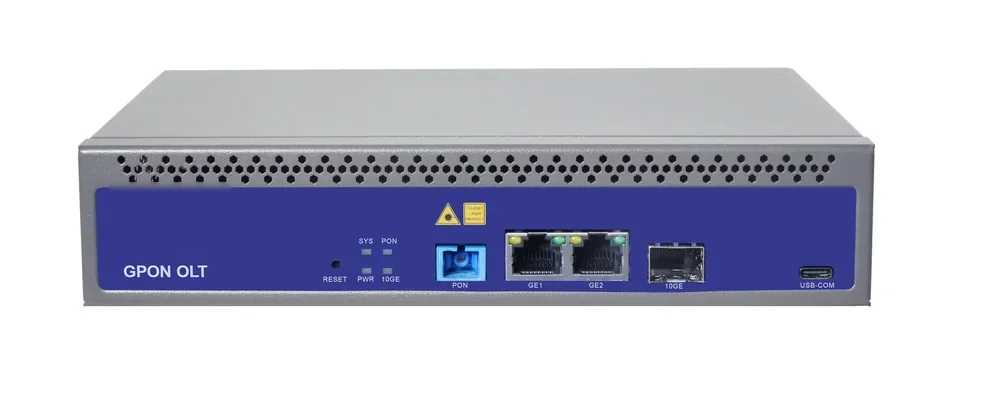
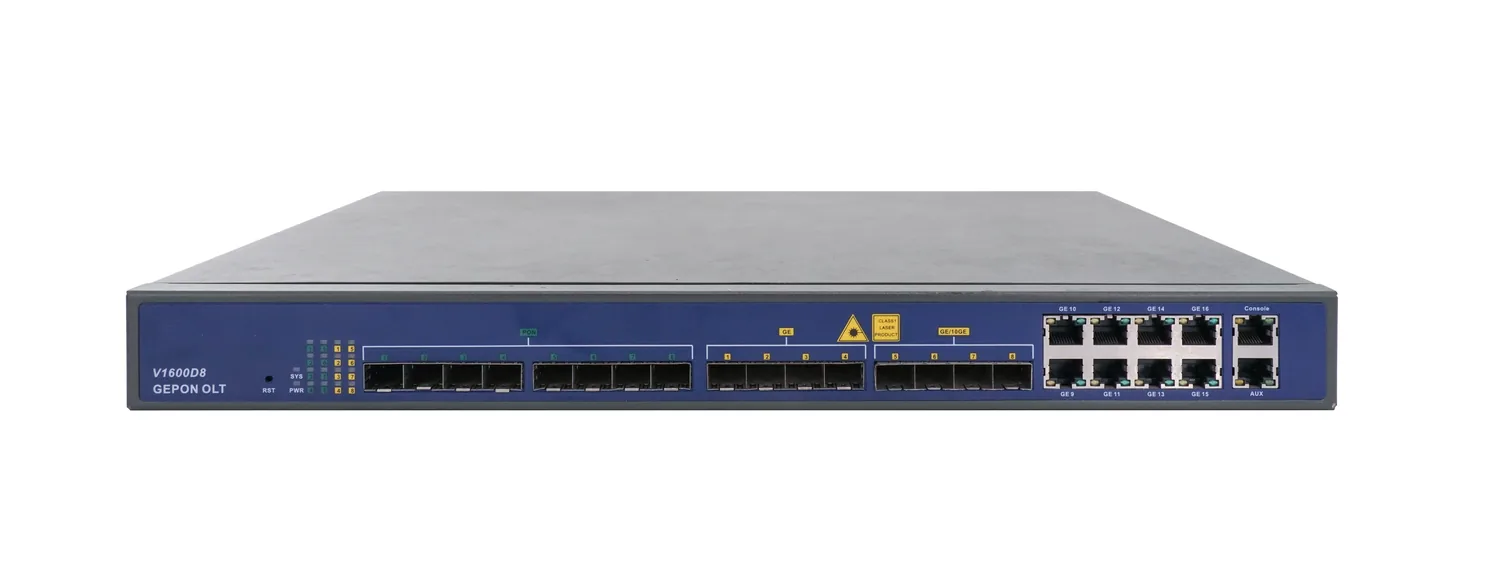
A compact 4-port gateway is fanless, desktop or wall mounted, and often has a built-in AC and a small PoE/PoF option. A rack OLT has more ports, redundant power and a chassis that can grow. For a single building, the compact unit is simpler; for a campus, the rack chassis is more serviceable.
Check the management interface, the ONU compatibility list and the spare-parts plan. A compact unit with a built-in controller is convenient but is a single point of failure; keep a spare.
How do you leave room to grow?
Use a splitter plan that leaves one or two ports spare, and choose an OLT with an uplink that can grow. A 4-port OLT at 70% fill has about 30% headroom; if the site is expected to double, start with 8 ports or a chassis.
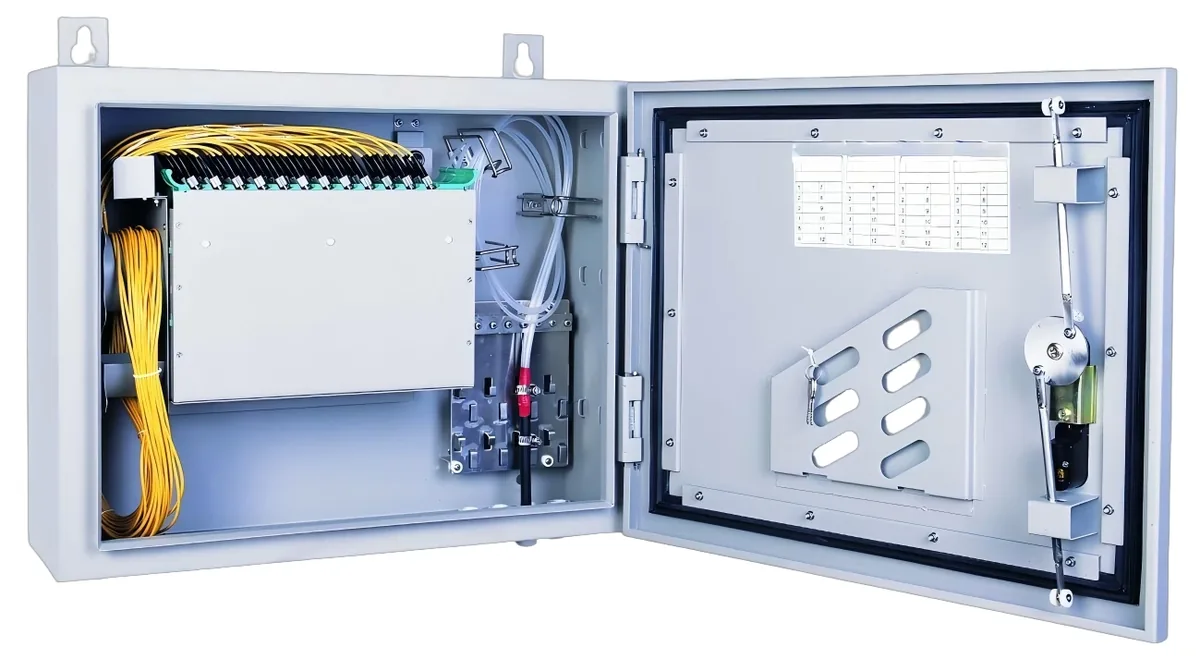
The fibre and splitters are the expensive part to change. Run enough fibre cores from the headend to the first splitter and leave spare capacity in the ODF. Upgrading the OLT later is easier than pulling new fibre.
Use this on a real site
Send the endpoint count, the longest run, the mains condition and the load. We will apply this calculation to your project and return the optical/power budget with the bill of materials.