Which HS heading covers network equipment?
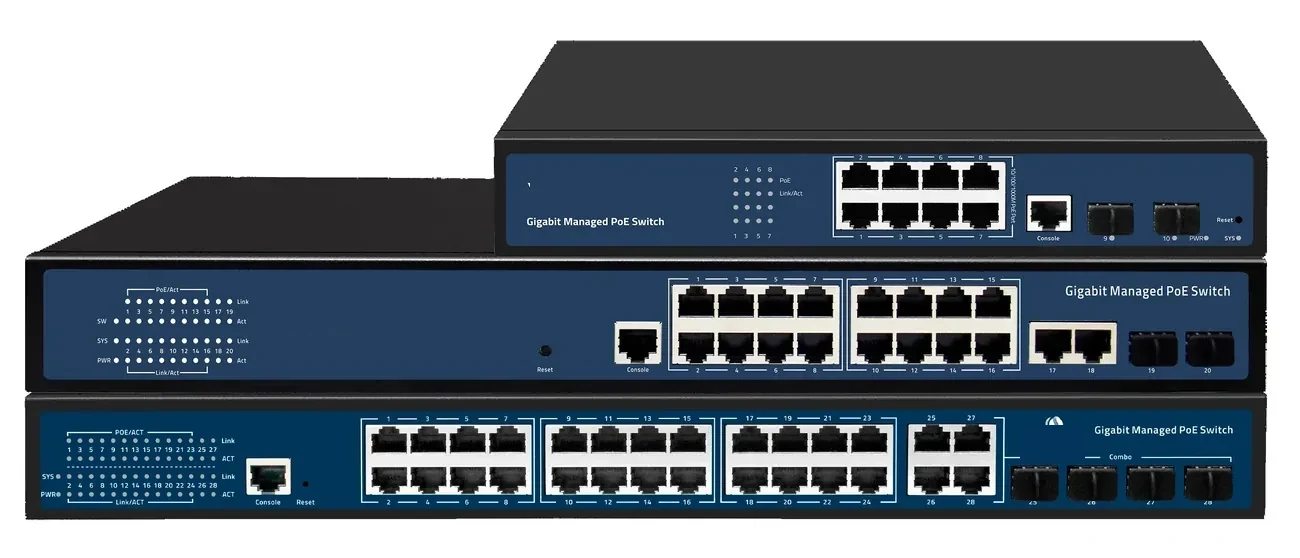
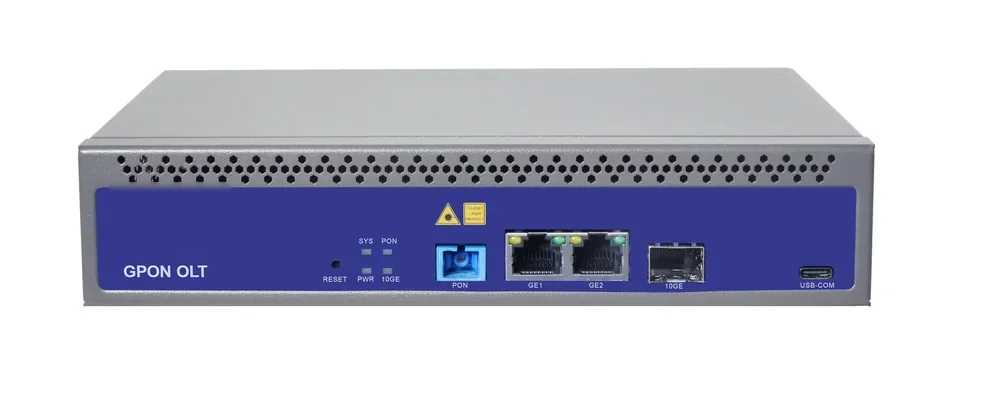
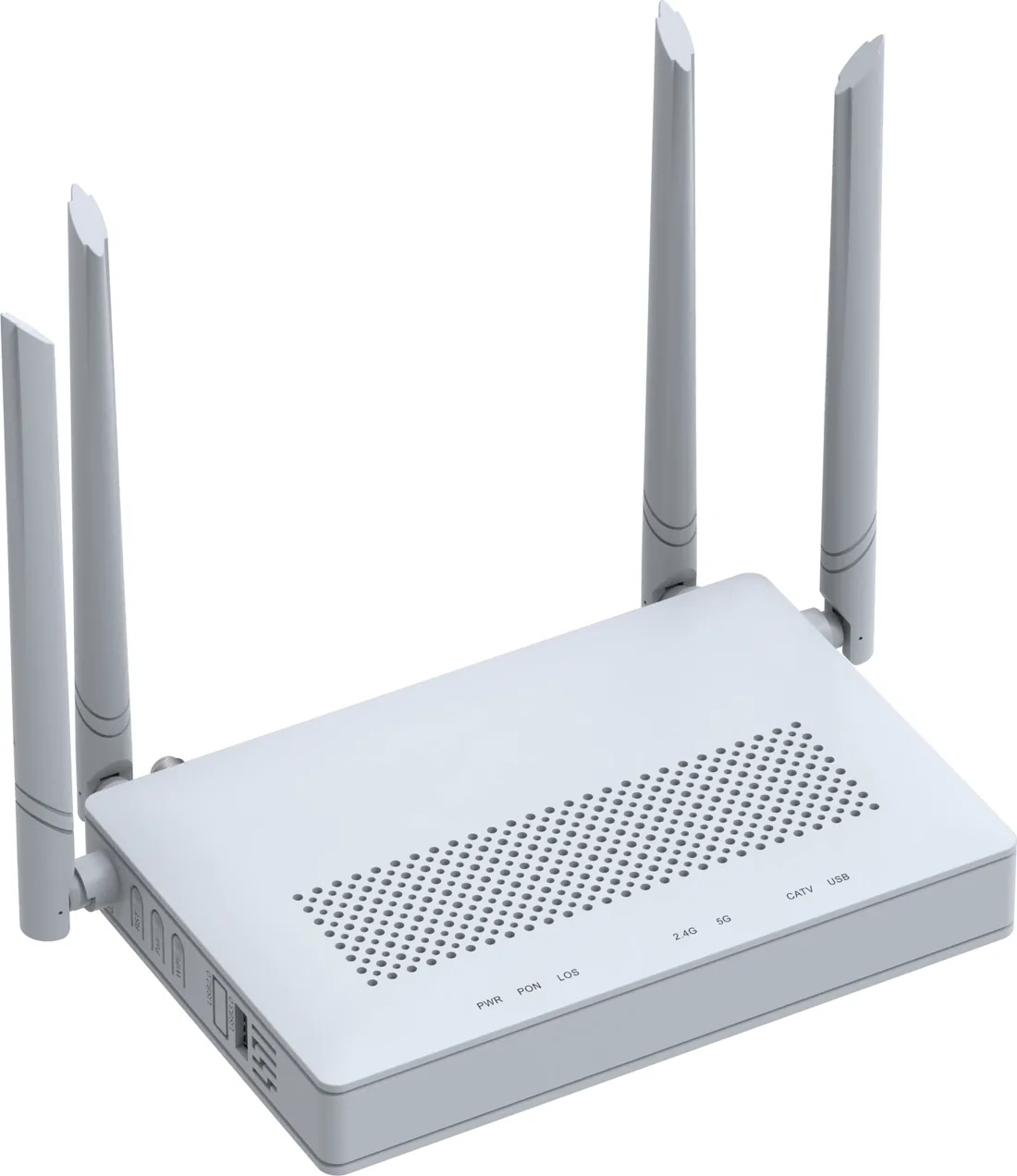
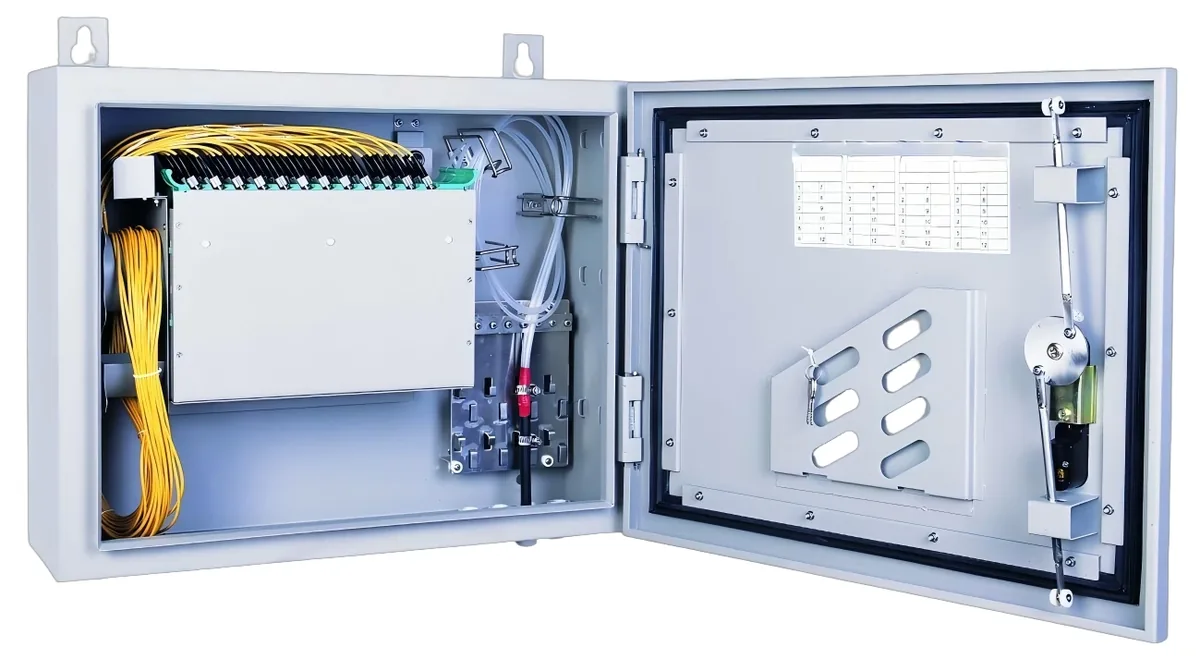
Network switches, routers, OLTs and ONUs are generally classified in heading 8517, which covers telephone sets, other apparatus for the transmission or reception of voice, images or other data, and parts. The common subheading for packet-switching apparatus is 8517.62. Passive optical splitters are often classified under 8536.70 (optical fibre connectors) or 8517.62 depending on the destination ruling; fibre cable is usually 8544.70.
These are starting points, not a legal classification. The destination customs authority, the product function and the way it is presented can change the code. A PoE switch with a specific function, a chassis OLT with service boards, or a splitter sold as part of an ODF kit may be classified differently.
| Product | Common heading | Note |
|---|---|---|
| PoE switch | 8517.62 | Packet-switching apparatus |
| OLT / ONU / ONT | 8517.62 | Network access equipment |
| Optical splitter | 8536.70 or 8517.62 | Depends on the ruling and presentation |
| Fibre cable | 8544.70 | Optical fibre cables |
| Patch panel / ODF | 8536.70 or 8538.90 | Depends on the item |
| SFP transceiver | 8517.62 or 8544.70 | Depends on the ruling |
Confirm the code with a licensed customs broker in the destination country before issuing the commercial invoice.
Why does the destination ruling matter?
The same product can be classified differently in different countries, and the duty rate follows the local tariff schedule. A code that clears in one market may attract a different rate or an additional licence in another. The invoice must use the code the destination accepts, not the code from the supplier’s export declaration.
Ask the buyer or the broker for the destination ruling before the order. If there is no ruling, the broker can apply for one. Do not guess a code to make the invoice look complete.
What documents should accompany the shipment?
A commercial invoice with the product description, model, quantity, unit value, origin, HS code and Incoterm; a packing list; the bill of lading or airway bill; and any certificate of origin or conformity required by the destination. For telecom equipment, some markets also ask for a type approval or import licence.
The product description should be specific enough to match the code: “Gigabit Ethernet PoE switch, 24 ports, 802.3at, managed” is better than “network equipment.” A vague description invites a inspection or a reclassification.
- Commercial invoice with code and description.
- Packing list with weights and dimensions.
- Bill of lading / airway bill.
- Certificate of origin if required.
- Type approval / import licence if required.
| Document | Issued by | Key fields |
|---|---|---|
| Commercial invoice | Supplier | Description, model, quantity, value, origin, HS code, Incoterm |
| Packing list | Supplier | Cartons, weights, dimensions |
| B/L or AWB | Forwarder | Shipper, consignee, port of loading and discharge |
| Certificate of origin | Chamber / authority | Origin criteria and consignee |
| Type approval / import licence | Importer / regulator | Product and destination |
| Customs ruling | Broker / authority | Destination code and product description |
The invoice description must match the code; “network equipment” is too vague for customs.
How do I estimate the landed cost?
Landed cost = FOB or CIF value + duty + VAT/GST + clearance + inland freight + bank charges. The duty rate depends on the HS code and the origin; the VAT/GST rate depends on the destination. Do not quote a customer a landed cost from the supplier’s FOB price alone.
For a project, ask the broker for a landed-cost estimate per HS line. A 5% duty difference on a container of switches is material; a wrong code discovered at the port is worse than a slightly higher freight quote.
What should the supplier put on the documents?
The supplier should provide the product description, model, quantity, unit value, origin, HS code and Incoterm, and should not under-declare the value or split the shipment to avoid duty. Those practices create a customs risk for the importer and can invalidate the warranty or the import licence.
If the buyer has a ruling, send it to the supplier before the invoice is issued. If the supplier proposes a different code, ask for the reasoning and confirm it with the broker.
Use this on a real site
Send the endpoint count, the longest run, the mains condition and the load. We will apply this calculation to your project and return the optical/power budget with the bill of materials.