What do 802.3af, at and bt actually deliver?
The standard defines power at the source (PSE) and power available at the device (PD). The difference is cable loss. 802.3af delivers up to 15.4 W at the source and 12.95 W at the device. 802.3at (PoE+) delivers up to 30 W at the source and 25.5 W at the device. 802.3bt adds Type 3 (60 W source, 51 W device) and Type 4 (90 W source, 71 W device).
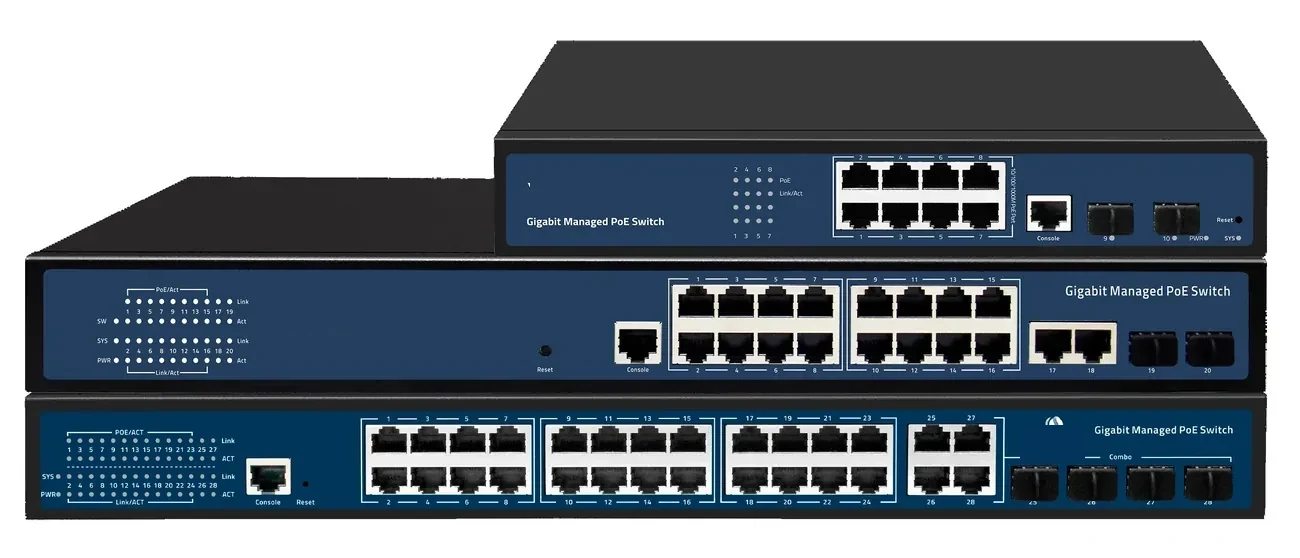
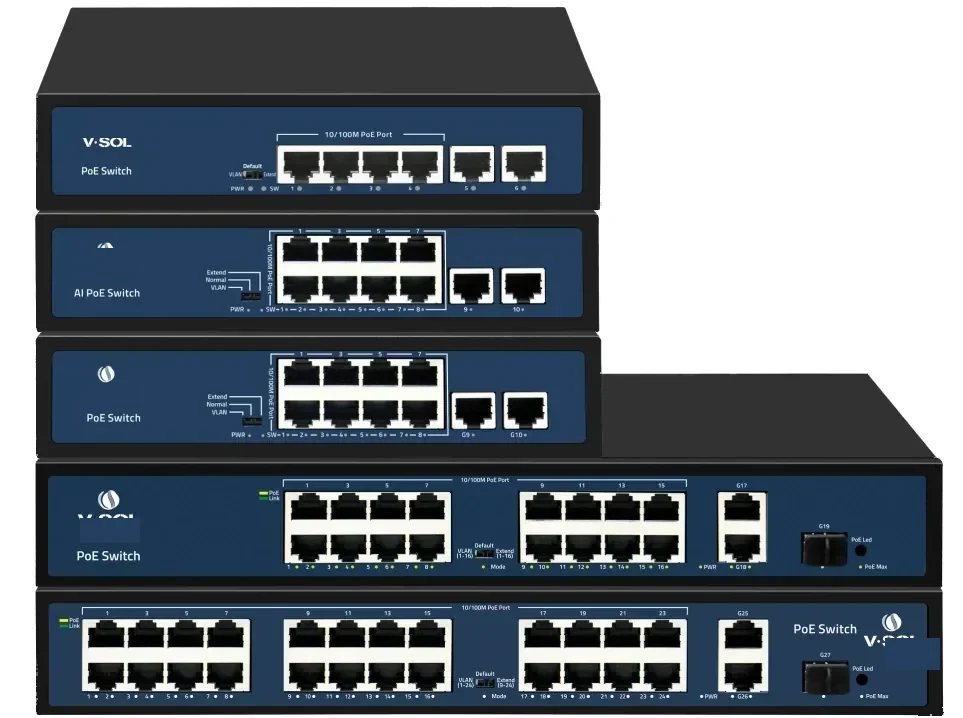
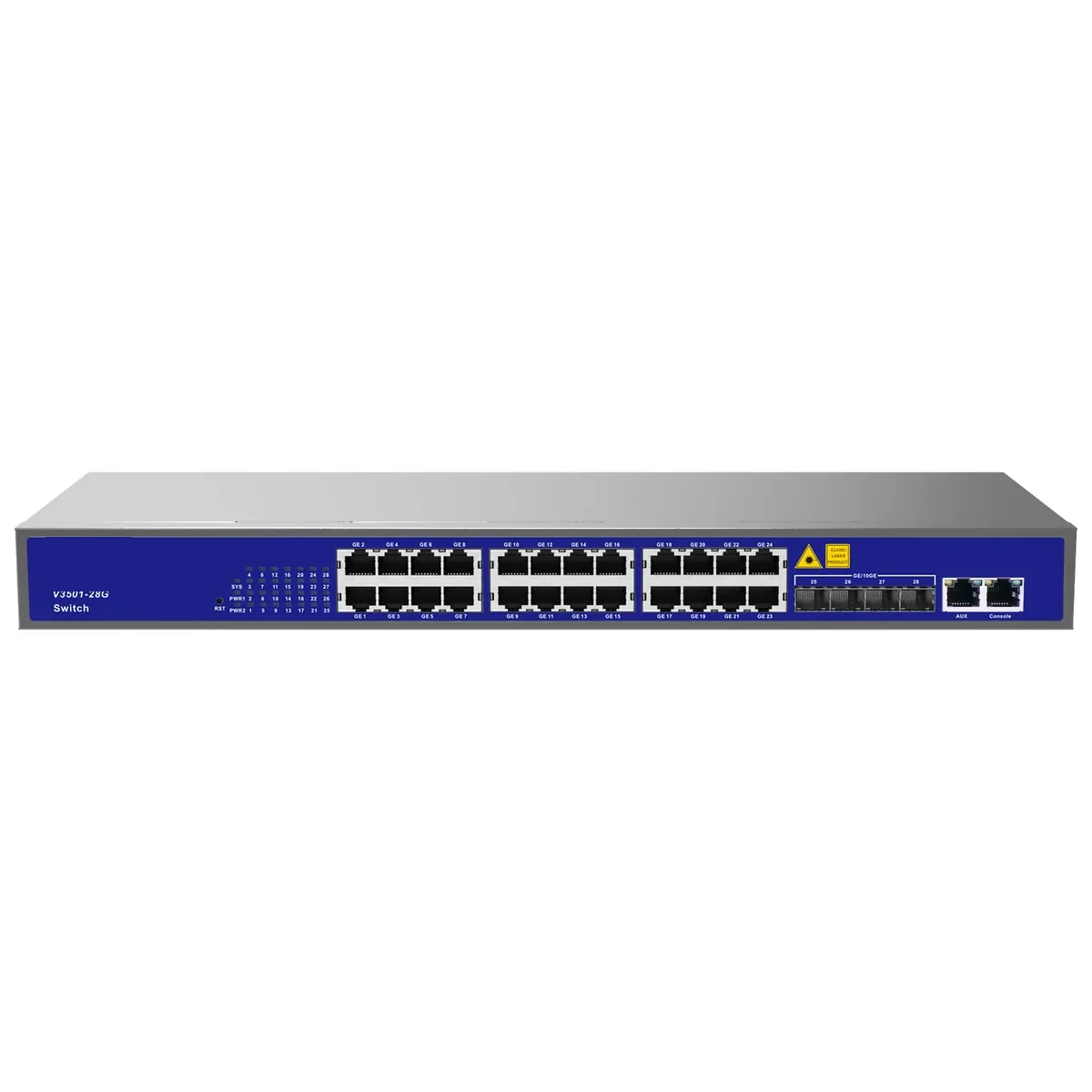
Those are per-port maxima, not a promise that every port can run at maximum simultaneously. The switch has a total budget; the sum of the connected loads must fit inside it with headroom. A 24-port 802.3at switch with a 370 W budget cannot run 24 ports at 30 W (720 W).
| Standard | Class | PSE power | PD power | Typical device |
|---|---|---|---|---|
| 802.3af | 0–3 | 15.4 W | 12.95 W | Fixed camera, phone, sensor |
| 802.3at | 4 | 30 W | 25.5 W | PTZ camera, Wi-Fi 6 AP |
| 802.3bt Type 3 | 5–6 | 60 W | 51 W | High-power AP, display, small heater |
| 802.3bt Type 4 | 7–8 | 90 W | 71 W | Large display, high-power radio |
Values are the standard maxima at the source and at the device; cable loss accounts for the difference.
Does PoE need a special cable?
PoE works on standard Cat5e or better. The current-carrying capacity and the voltage drop are the practical limits. Higher-power bt systems often require Cat6a or larger conductors and may use all four pairs. For 802.3af/at, Cat5e is usually adequate, but a long, thin, warm bundle can still drop enough voltage to reset a camera.
Check the conductor gauge (23 AWG is better than 24 AWG for long runs), the cable temperature rating and the bundle size. Do not use copper-clad aluminium (CCA) for PoE; its resistance is higher and its failure mode is worse.
How do you calculate a PoE budget?
Add the maximum power of every device, add cable loss (about 10–15% on long runs), add 20% headroom, and compare the total with the switch’s PoE budget. Then check the per-port class: a 30 W device on a 15.4 W port will not work, even if the total budget is large.
A simple example: 16 cameras at 8 W = 128 W; 4 PTZ at 25 W = 100 W; total 228 W. Add 10% cable loss = 250.8 W, then 20% headroom = 301 W. A 370 W switch is adequate; a 240 W switch is not. If the switch has 24 ports but only a 240 W budget, the port count is not the constraint.
- Sum device maxima, not averages.
- Add 10–15% for cable loss on long runs.
- Add 20% headroom for peak and ageing.
- Check per-port class and total budget separately.
- Do not use CCA cable for PoE.
| Load group | Calculation | Power |
|---|---|---|
| 16 fixed cameras | 16 × 8 W | 128 W |
| 4 PTZ cameras | 4 × 25 W | 100 W |
| Cable loss allowance | 10% of 228 W | 22.8 W |
| Subtotal before headroom | 128 + 100 + 22.8 | 250.8 W |
| 20% headroom | 250.8 × 1.2 | 301 W |
| Switch budget | ≥ 301 W | 370 W model |
The per-port class still applies: a 30 W PTZ needs an 802.3at port even when the total budget is large.
Why does a device not power up on a PoE port?
PoE negotiates before power is applied. The PSE detects a valid PD signature, classifies the load and then turns on the port. A device without a PoE signature will not be powered, even if it is plugged into a PoE port. A faulty cable, a short, or a device that draws more than its class can also cause a port to stay off.
Check the port status, the class, the cable and the device’s PoE label. If the device is passive PoE (24 V or 48 V always-on), it may not negotiate with an 802.3 switch; use a compatible injector or a passive PoE port, not a standard PSE.
Do you need 802.3bt?
Only for devices above 30 W: high-power Wi-Fi APs, heated cameras, large displays, some access-control hardware. For most cameras and APs, 802.3at is enough. bt costs more, needs better cabling and generates more heat at the switch.
If only one or two devices need bt, a single-port injector may be cheaper than a bt switch. If the whole site is bt, specify the total budget and the cable plant together; the cable is now part of the power design.
Use this on a real site
Send the endpoint count, the longest run, the mains condition and the load. We will apply this calculation to your project and return the optical/power budget with the bill of materials.