
Why does port count alone fail as a PoE switch specification?
A PoE switch has two ratings that are easy to confuse: the number of ports and the total power budget. The port count says how many devices can connect; the budget says how many can run at the same time. A 24-port switch with a 370 W budget can power 24 fixed cameras at 12 W, but not 24 PTZ cameras at 30 W. The second case needs 720 W before cable loss, which is a different product and often a different cabinet.
Start with the device list, not the catalogue. For every powered device, record the nominal draw, the peak draw (IR, heater, pan and tilt, Wi-Fi burst), the PoE class and the cable length. Add 20% headroom, then choose the switch. The PoE switch family covers 4–48 ports, but the family page cannot choose the budget for you; the PoE standards guide explains what each class delivers at the source.
How do you add up the PoE budget before choosing a switch?
Use peak values, not averages. A fixed dome may draw 6–10 W, a bullet with IR 8–14 W, a PTZ with a heater 35–60 W, a Wi-Fi 6 access point 15–25 W and an access-control reader 8–15 W. Multiply by the device count, add cable loss (roughly 10–15% on long runs), then add 20% headroom.
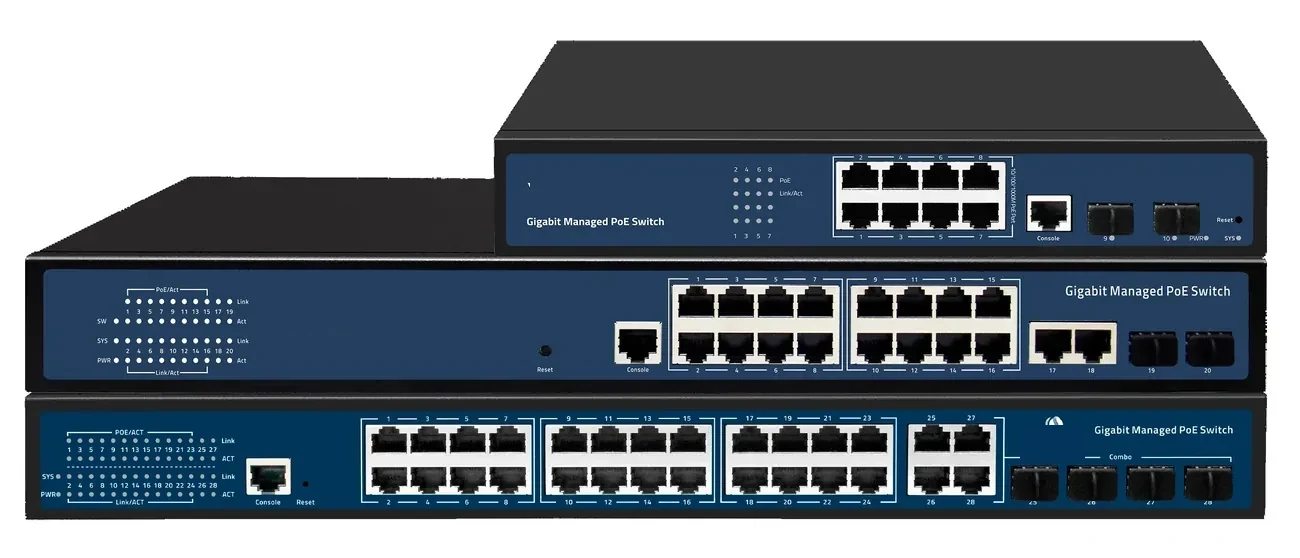
The arithmetic is simple but often skipped. Eight fixed cameras at 10 W need 80 W; with cable loss and headroom, specify at least 110 W. An 8-port PoE switch with a 120 W budget is enough; a 60 W unit is not. For a 24-port cabinet, the same calculation decides between a 370 W and a 500 W model. If the total exceeds the budget, split the load across two switches or move the high-power devices to a local switch. The 24-port PoE switch page lists the port and uplink options; the budget is confirmed on the quotation.
| Device | Nominal draw | Peak to record | PoE class | Planning note |
|---|---|---|---|---|
| Fixed dome camera | 6–10 W | 8–12 W with IR | 802.3af | IR on/off changes the load |
| Bullet camera | 6–12 W | 8–14 W with IR | 802.3af / at | Long cable runs add loss |
| PTZ camera | 20–30 W | 35–60 W with heater | 802.3at | Usually exceeds an 8-port budget |
| Wi-Fi 6 access point | 10–15 W | 15–25 W | 802.3at | Check the peak, not the label |
| Access-control reader | 8–15 W | 12–18 W | 802.3af / at | Often shares a door controller |
Peak values are planning examples. Use the device datasheet and a clamp meter at commissioning.
8-port or 24-port: which size fits the site?
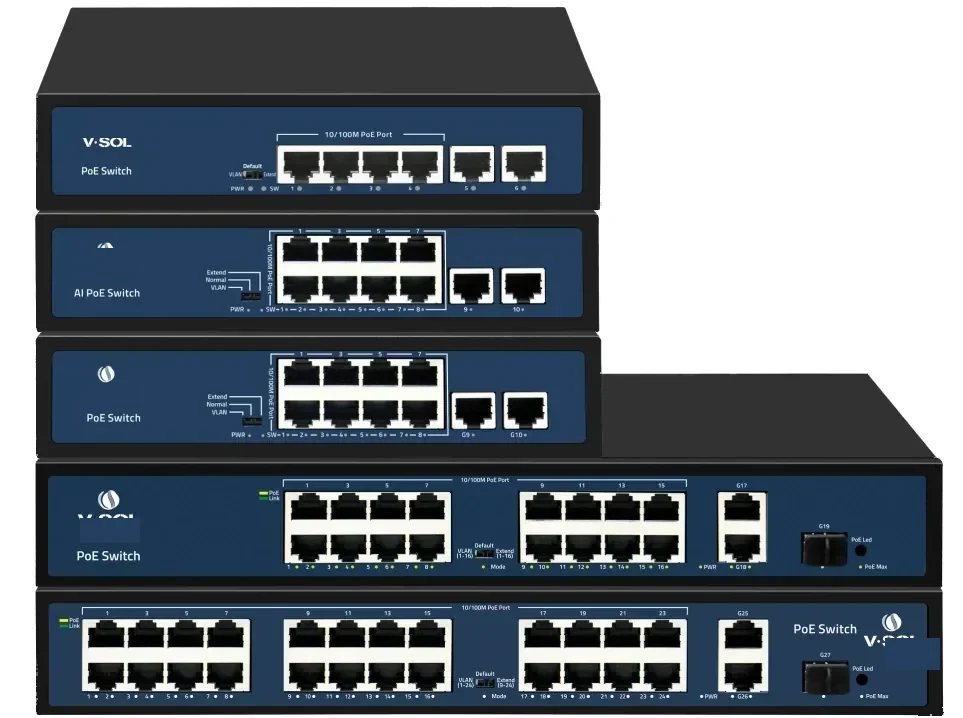
An 8-port switch is the right size for a small cluster: four cameras at a gate, three APs in a shop, a door controller and two cameras in a clinic, or a remote cabinet at the end of a fibre run. It is fanless, small enough for a wall box and cheap enough to keep a spare on site. The limit is the budget and the uplink, not the port count.
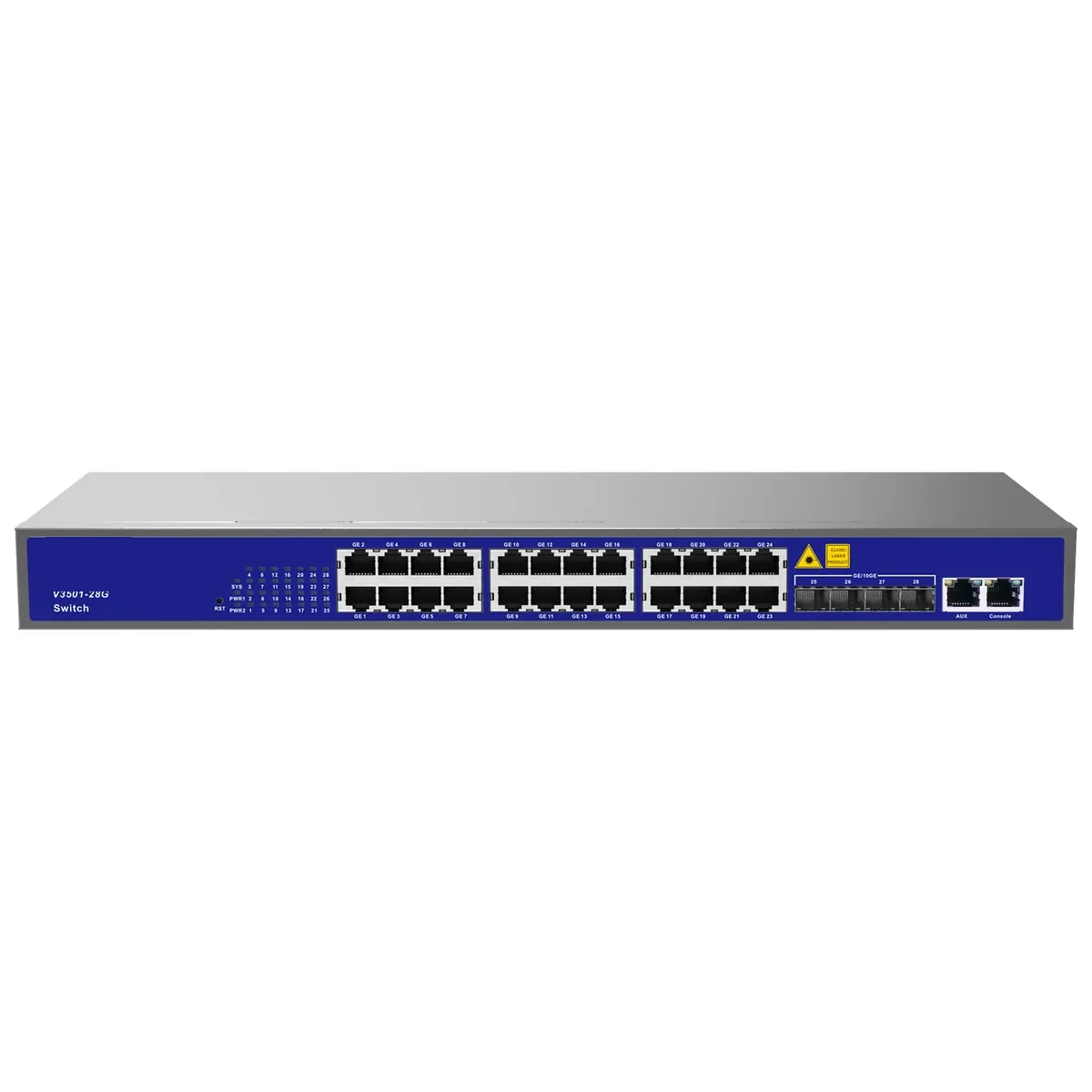
A 24-port PoE switch is the workhorse for a floor or a building cabinet. It gives 24 access ports and four 10G SFP+ uplinks in 1U, enough for a CCTV floor, a wireless floor or a mixed group. Choose 24 ports when the device count is above 12, when the uplink must be 10G, or when the site needs VLANs and IGMP snooping. Choose 8 ports when the group is small and isolated, or when a fibre uplink feeds a remote cabinet.
Do not buy 24 ports for future growth if the power budget cannot grow with them. A 24-port chassis with a 370 W budget will not run 24 PTZ cameras later; the next step is a second switch or a higher-budget model, not a larger port count. A PoE ONU is a third option when the access layer is already PON: it combines the ONU and the PoE ports at the edge.
What do 802.3af, 802.3at and 802.3bt deliver at the port?
802.3af (PoE) delivers up to 15.4 W at the source, 802.3at (PoE+) up to 30 W and 802.3bt up to 60 W (Type 3) or 90 W (Type 4). The device sees less than the source figure because the cable drops voltage. That is why a 30 W port can fail to start a 25 W PTZ on a long thin cable.
Match the class to the device, then check the switch total. A Wi-Fi 6 AP with a 2.5GE uplink may need 802.3at; a heated PTZ may need 802.3bt; a fixed camera is usually 802.3af. If the switch only supports af and at, do not plan a bt device on it. The industrial PoE switch page covers hardened models for outdoor cabinets, and the SFP modules page covers the fibre uplink optics.
When does the 100 m copper limit decide the design?
IEEE 802.3 sets a 100 m channel limit for copper Ethernet, including patch cords. A camera at 118 m cannot be fixed with a higher-power switch or a different cable category. The options are a PoE extender with a midpoint power source, a fibre uplink with a local PoE switch, or a PoF drop where the load is within 12 W and 200 m.
Run the distance check before the switch selection. If the longest run is 80 m, a copper switch is fine. If it is 130 m and there is no mains at the far end, PoF may remove the local power problem; if the load is above 12 W, a local cabinet with a PoE switch is the honest answer. The PoE distance guide shows the calculation, and the PoF switch and ONU page covers the 200 m option.
Which uplink and management features are worth paying for?
The uplink is the first feature to check. A 24-port switch with a single GE uplink is a bottleneck when 24 cameras record to a central NVR. Four 10G SFP+ ports support a 40 Gbps aggregate or a redundant 2 × 10G LAG. For a building-to-building run, use fibre and the correct SFP module, not a long copper cable.
Management is the second. VLANs separate CCTV, guest Wi-Fi and building controls; IGMP snooping keeps multicast video on the recorder port; per-port PoE control lets you reboot a camera without a site visit; SNMP, CLI, web and SSH cover monitoring and configuration. An unmanaged switch is acceptable only for a small isolated group with no recorder and no guest network. The 10G/100G aggregation switch page covers the next layer up, and the PoE switch family page lists the management levels.
What changes for CCTV, outdoor cabinets and industrial sites?
CCTV adds two requirements: a recorder path and a surge path. Put the cameras on a dedicated VLAN, enable IGMP snooping and size the uplink for the recording bitrate. Outdoors, the copper cable is a lightning path; a Type 2 SPD at the cabinet entry, a bonded housing and a local earth electrode are part of the design, not accessories. The CCTV application page and the surge protection page cover the sequence.
An outdoor cabinet also changes the switch. A commercial 0–50 °C unit in a sealed box will derate; an industrial model with a wide temperature range, redundant DC input and ring recovery is the safer choice. The industrial PoE switch page lists the requirements to specify, and the NVR and surveillance storage page covers the recording end.
What belongs on the final PoE switch schedule?
The switch schedule is the document the integrator orders from. It should list every powered device, its peak load, its PoE class, the cable length, the switch port, the VLAN and the uplink. Add the total budget with 20% headroom, the management level, the operating temperature and the spare port count. If the schedule does not show the budget, the switch is not specified yet.
Send the schedule with the site data and we will check the budget, the uplink and the distance against the product family. If the site is marginal, the answer may be a different split between PoE, PoF and fibre, not a bigger switch. Send the site data or ask on WhatsApp with the device list and the longest run.
| Schedule field | Example | Why it matters |
|---|---|---|
| Powered devices | 18 cameras, 6 APs, 4 readers | Sets the port count and the load |
| Peak load per device | 12 W camera, 22 W AP | The budget is based on peaks |
| Total budget with headroom | 384 W + 20% = 461 W | Chooses the power supply |
| Longest cable run | 82 m including patch cords | The 100 m limit is a channel limit |
| Uplink | 2 × 10G SFP+ LAG | Recording and core traffic |
| Management | L2, VLAN, IGMP, SNMP | CCTV and guest isolation |
| Environment | Indoor cabinet, 0–45 °C | Commercial or industrial model |
| Spare capacity | 4 ports, 15% budget | Next phase and failures |
A schedule without peak load and cable length is a port list, not a power design.
Use this on a real site
Send the endpoint count, the longest run, the mains condition and the load. We will apply this calculation to your project and return the optical/power budget with the bill of materials.