
What does a GPON OLT do that a switch does not?
A GPON OLT is the headend of a passive optical network. It terminates the PON fibre, schedules upstream traffic from every ONU, assigns bandwidth and hands the traffic to the core over Ethernet or 10G/100G uplinks. A switch forwards Ethernet frames; an OLT also runs the PON protocol, registers ONUs, enforces the subscriber profiles and separates services with VLANs and QoS. That is why an OLT cannot be replaced by a switch with a fibre port.
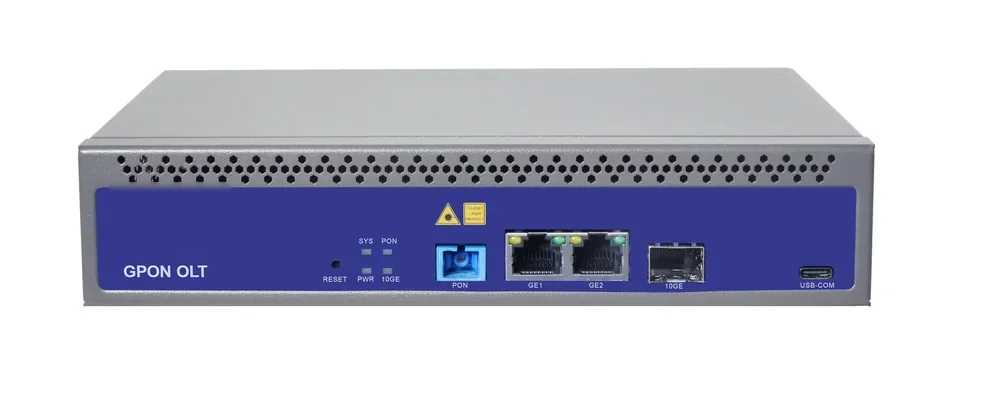
The OLT also owns the management path. OMCI provisions the ONUs, SNMP and CLI monitor the headend, and the uplink carries the service VLANs to the router or the ISP handover. The GPON OLT page covers platforms from a 1-PON gateway to a 112-PON chassis; the OLT and ONU compatibility guide covers the checks before mixing vendors.
What does the ONU/ONT do at the subscriber end?
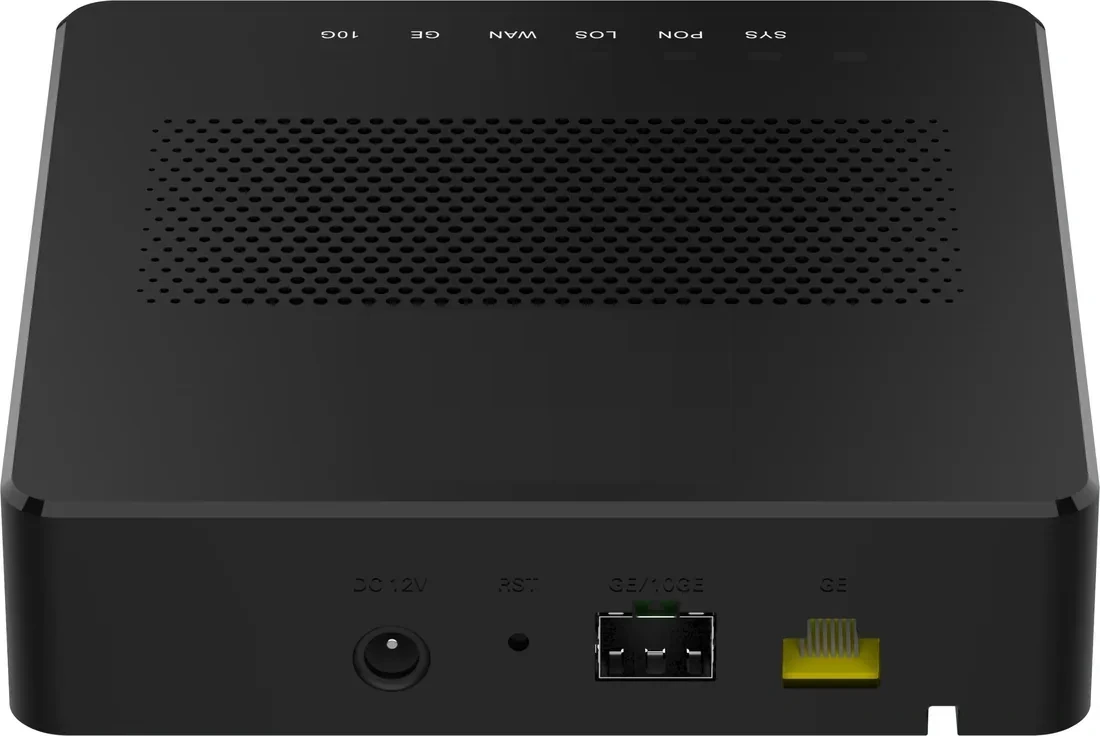
The ONU terminates the PON at the subscriber side and turns the optical signal back into Ethernet, Wi-Fi, CATV or voice. ONT and ONU are used interchangeably in practice; ONT usually means the subscriber unit, while ONU is the broader term. The ONU also reports its optical power, temperature and alarms to the OLT, which is what makes remote fault finding possible.
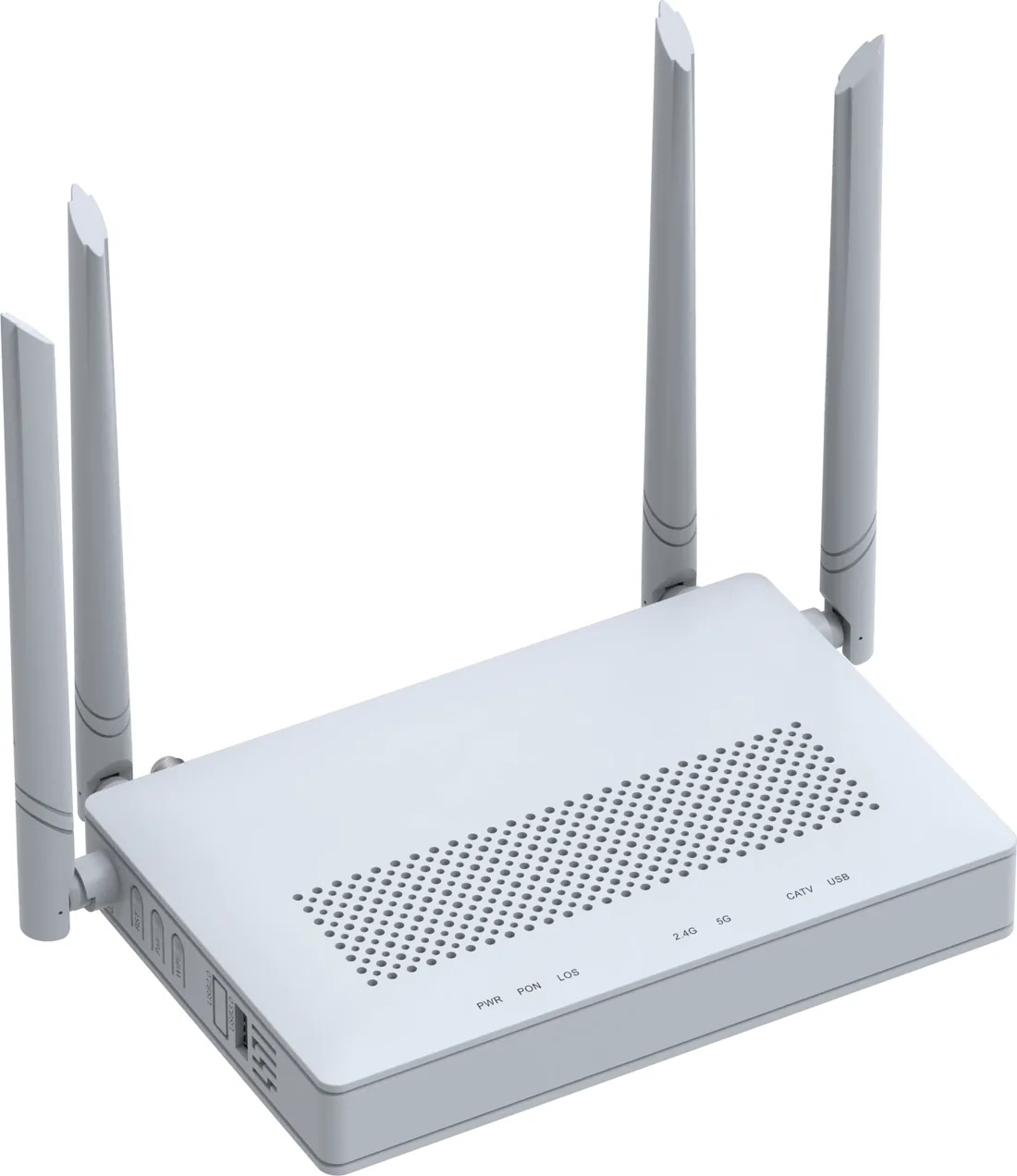
The ONU choice follows the service, not the OLT. A hotel room needs Wi-Fi and four GE ports; a camera pole needs a 1-GE bridge with no radio; a ceiling AP may need PoE or PoF; a premium subscriber may need a 10GE port. The GPON ONU and ONT page covers the 1–4 GE range, and the PoE ONU page covers the powered variants.
How does the signal travel from the OLT to the ONU?
The path is OLT PON port, feeder fibre, splitter, drop fibre and ONU. Every element adds loss: the splitter takes the largest share, the fibre adds loss per kilometre, and each connector pair and splice adds a small amount. The link works when the OLT transmit power minus the total loss still leaves enough power at the ONU receiver, with a margin for ageing, temperature and repair.
The budget is not a single number from a catalogue. Use the actual OLT transmit power, the ONU sensitivity, the splitter test data, the route length and the connector count. A 1:32 splitter at 16.5 dB plus 7 dB of fibre, 2.4 dB of connectors and 0.4 dB of splices leaves about 3.7 dB from a 30 dB budget before the ageing reserve. That is the kind of arithmetic the optical link budget guide walks through.
| Link element | Typical loss | Design note |
|---|---|---|
| OLT PON port | Transmit power from datasheet | Use the actual value, not a generic number |
| Feeder fibre | 0.35 dB/km at 1310 nm | Route length including slack |
| Splitter 1:32 | 16.5 dB typical | Use the worst port, not the average |
| Splitter 1:64 | 20.5 dB typical | Less margin on a 20 km span |
| Connectors | 0.3–0.5 dB per pair | Count every mated pair |
| Splices | 0.1 dB each | Field splice quality varies |
| Ageing reserve | 3 dB | Keep it after the worst-case port |
Example values for planning. Confirm the OLT/ONU datasheet and the splitter test data for the actual batch.
How many ONUs can share one PON port?
A GPON port supports up to 64 ONUs at a 1:64 split. In practice, plan for 50–70% fill, so 32–45 active ONUs per port, to leave room for retries, spare capacity and future subscribers. The splitter ratio and the OLT port limit both apply: a 1:64 splitter cannot serve 128 ONUs, and a port rated for 32 ONUs cannot register 64 even with a larger splitter.
For a 20 km span, 1:32 is the safer starting point because it leaves more optical margin. For a short in-building ODN, 1:64 is normal. A high split ratio saves fibre and OLT ports but reduces margin; a low ratio costs more fibre and ports but survives a dirtier ODN. The splitter ratio guide lists the loss for each ratio, and the V1600D8 model is a published example of a 1:64, 64-ONU-per-port headend.
Which OLT ports and uplinks does the project need?
Size the PON ports from the ONU count and the split ratio, then size the uplink from the services. A 1-PON gateway with two GE ports and one 10GE SFP+ is enough for a small hotel or a PoF gateway. A campus or an ISP edge needs 8–16 PON ports and 10G/100G uplinks. A district headend needs a chassis that can grow past 32 ports without replacing the uplink.
The uplink is not only about bandwidth. It carries the management VLAN, the service VLANs and the redundancy. Two 10G links in a LAG give both capacity and protection; a single GE uplink on a 16-PON OLT is a bottleneck and a single point of failure. The GPON OLT page lists the platform options, and the EPON OLT and XGS-PON OLT pages cover the other PON generations.
Which ONU fits a room, a camera or a ceiling?
Match the ONU to the physical location and the service. A hotel room needs a Wi-Fi 6 ONT with four GE ports; a camera pole needs a 1-GE bridge with no radio; a ceiling AP needs a PoE or PoF ONU; a small office needs a Wi-Fi 6 ONT with enough LAN ports for the desk and the printer. The V2804ACT-A adds a 1550 nm CATV receiver with AGC for triple-play rooms; the V2804AX15-R is the Wi-Fi 6 AX1500 model with four GE ports.
Do not choose an ONU by Wi-Fi generation alone. The PON mode, connector polish, port count, power input and management protocol must match the OLT and the site. A Wi-Fi 6 ONU with the wrong PON mode will not register; a CATV ONU without a 1550 nm transmitter at the headend will not deliver TV.
| Deployment | ONU type | Ports | Why |
|---|---|---|---|
| Hotel room | Wi-Fi 6 ONT with 4 GE | 4 GE + Wi-Fi | Data, TV and voice on one fibre |
| CCTV pole | 1-GE bridge ONU | 1 GE | Lower cost and heat; no radio |
| Ceiling AP | PoF ONU or PoE ONU | 1 GE + power | No local mains at the ceiling |
| Small office | Wi-Fi 6 ONT | 4 GE + Wi-Fi | Enough ports for desk and AP |
| Premium FTTH | 10G PON ONU | 10GE + 2.5GE | Multi-gigabit service |
Confirm the PON mode, connector polish and power input on the model datasheet before ordering.
How is an ONU registered and provisioned?
The OLT discovers the ONU on the PON port, registers its serial number and applies a service profile. The profile sets the VLAN, the bandwidth, the Wi-Fi SSID, the management VLAN and the firmware. OMCI is the usual GPON management channel; TR-069 is used when an ACS manages the subscriber premises equipment. The exact menus differ by vendor, but the sequence is the same: discover, authorise, profile, test.
Keep the profile and the firmware consistent across a batch. A hotel with 120 rooms should not have three firmware versions and two Wi-Fi profiles. The V1600D8 supports ONU auto-discovery, remote firmware upgrade and dying-gasp alarms; the V2804AX15-R supports OAM/OMCI and TR-069. The network management page covers the ACS and cloud option for multi-site networks.
What should be measured at commissioning?
Measure the OLT output at the PON port, the input to the splitter, every splitter output and the ONU input. Record the wavelength, the meter, the value and the date. The difference between the OLT output and the ONU input is the actual path loss; compare it with the design. A 2–3 dB discrepancy usually means a dirty connector, a bad splice, a wrong splitter ratio or a macrobend, not a protocol fault.
Set the pass criterion before measuring: the measured loss must be within the design value and the residual margin after the 3 dB ageing reserve must not be negative. Clean and inspect every connector before the measurement; a dirty connector can look like a splitter fault. Keep the values in the as-built so the next technician can compare. Send the site data or ask on WhatsApp if the measured loss does not match the design.
What belongs in the OLT/ONU handover pack?
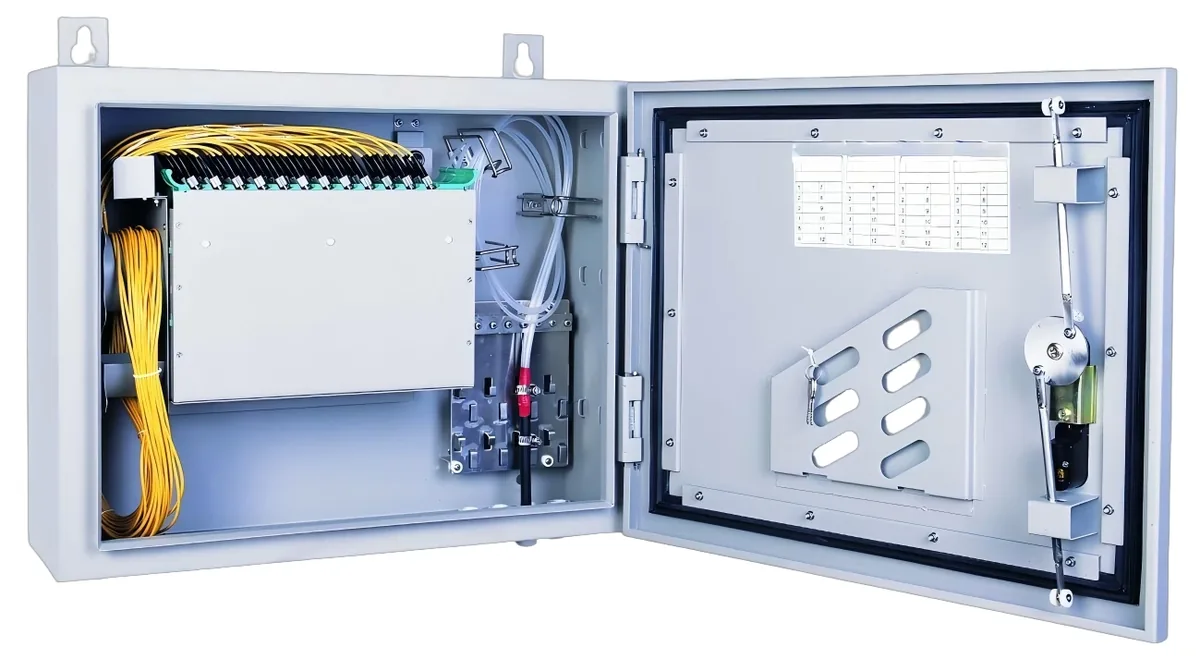
The handover pack should identify the OLT, the PON ports, the splitter ratio and location, every ONU serial number and the service profile. Add the per-port optical loss, the ONU receive power, the VLAN map, the management address and the firmware version. Include a photo of the rack, the ODF and the splitter label.
Update the pack when a subscriber or a splitter port changes. A port that was spare at handover becomes a live service after the first expansion; if the label and the record are not updated, the next fault is found on the wrong port. The ODF and enclosure and patch cords pages cover the physical layer that the record describes.
- OLT model, PON port count, uplink and management address.
- Splitter ratio, serial number, location and port map.
- ONU serial number, PON mode, profile and firmware.
- Measured OLT output and ONU receive power per port.
- VLAN map, service profile and Wi-Fi SSID plan.
- Commissioning date, meter model and tester name.
Use this on a real site
Send the endpoint count, the longest run, the mains condition and the load. We will apply this calculation to your project and return the optical/power budget with the bill of materials.